
Should a tour or hire business have a web page for each departure point? Usually, no. Give a staffed, signed base its own page. List every other departure point by name on one Departure points page, in your footer and on each tour page.
A jetty or car park where the same tour starts is a meeting point, not an outlet. Build a page for each one and you tell Google, AI tools and travellers you run shops. You don’t.
- When does a departure point need its own page?
- Why a page for every jetty works against you
- Build your menu around what you sell
- Write every departure point as text, in three places
- Set up your Google profile to match how you run
- Retire old location pages
When does a departure point need its own page?
A departure point needs its own page when it works like a second business location. That means staff, a sign and customers who come to it during set hours.
Google’s Business Profile guidelines set the bar for an address. “Businesses showing their address on Google should maintain permanent fixed signage of their business name at the address.” A location with a service area “should be staffed by your team and able to receive customers during its stated hours.”
A base that passes gets its own page and its own Google Business Profile. Our guide to setting up a second location covers that order of work.
Most departure points fail the test. A boat ramp, a jetty, a hotel lobby or a visitor centre car park is where guests meet you. Nobody staffs it between trips.
Use these three readings:
- A staffed, signed shed or ticket office: its own page and its own profile.
- A spot with its own tours or fleet, its own directions and its own questions: a page, if it has things no other page says. That’s our reading. The next section explains why.
- A ramp or kerbside stop where the same tour starts: no page. Name it on the tour page and the Departure points page.
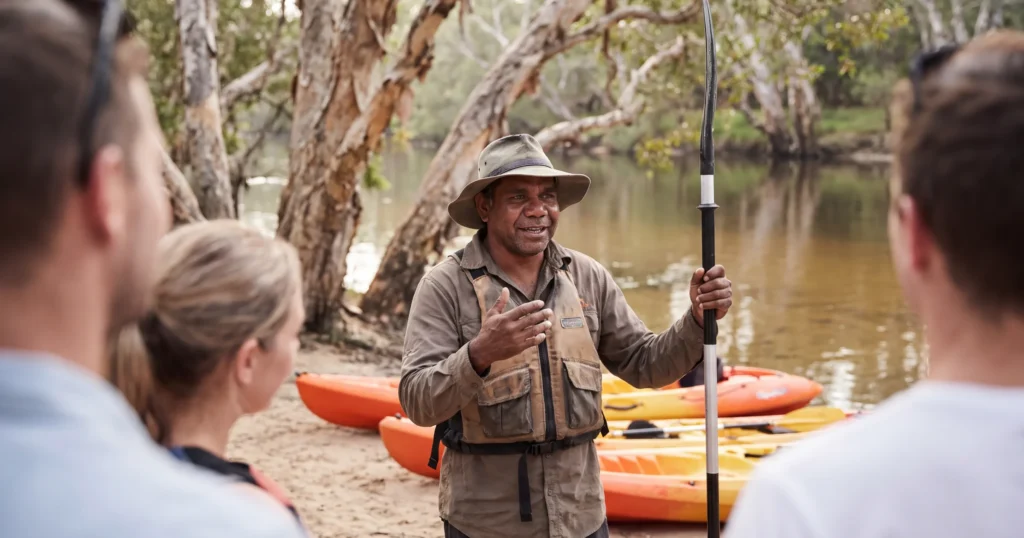
Hypothetical example: a kayak business on a river keeps its gear in one signed shed. It launches tours from three ramps along the river. The shed gets the address on the website and on Google. The three ramps get named on each tour page and on one Departure points page.
Why a page for every jetty works against you
Pages that differ only by place name risk looking like doorway pages. Google’s spam policies list doorway abuse as spam.
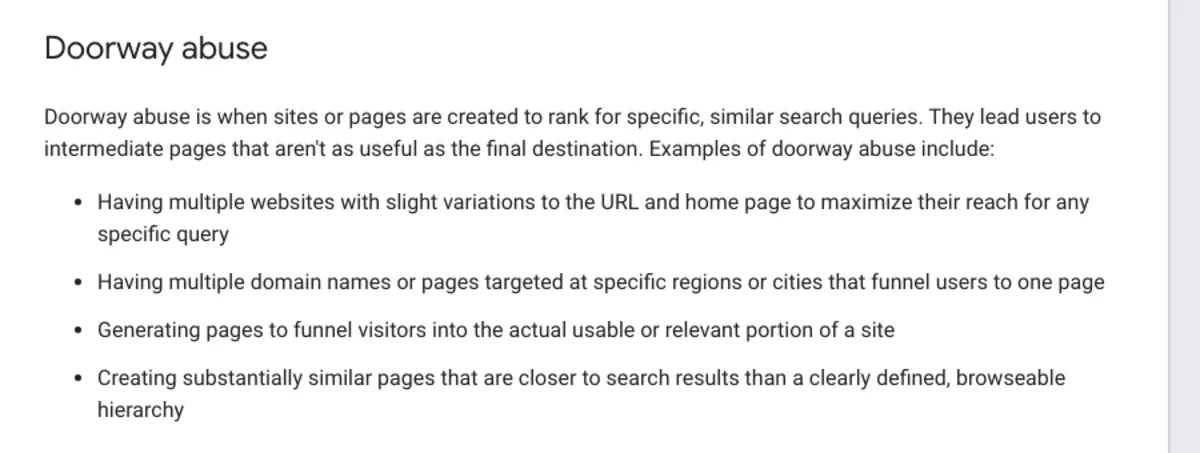
Google’s spam policy says: “Doorway abuse is when sites or pages are created to rank for specific, similar search queries.” Its examples include “pages targeted at specific regions or cities that funnel users to one page”. Another is “substantially similar pages that are closer to search results than a clearly defined, browseable hierarchy”.
Our SEO course gives the same warning. If you operate in more than one place, don’t copy a page and swap the town name. “AI and search engines ignore thin, templated content.”
We see the cost in coaching. One operator had three tour pages with thin, near-identical text. We advised one page, a subheading for each option, and a “Choose your tour” dropdown in the booking widget.
Old place pages cause a second problem. Pages for places you no longer run from tell travellers and AI tools that you have several active storefronts. Our hire and transport post makes the related point: a vague meeting point causes missed connections and bad reviews.
Build your menu around what you sell
Name your menu items after what guests book, not where you are. “Kayak Hire” and “Sunset Tours” beat a list of town names.
AI tools recommend pages, so each tour or hire product needs its own page and web address. We explain why in does a one-page website hurt your chances with AI. A traveller asks for a sunset paddle, and the assistant points at your sunset paddle page.
Then add one place for locations:
- A Departures or Departure points page, linked from the main menu or the footer.
- Your staffed base first, with its full address.
- Each departure point below it, by name, with the tours that leave from there.
- A line for custom departures, linked to your contact or enquiry page.
Run more than one staffed base? Add a Locations menu item with each base page beneath it. Our coaching notes show location pages do better as sub-menu items than as links buried in body text.
Write every departure point as text, in three places
Write each departure point as text in your footer, on your Departure points page and on every tour page. AI tools and Google read the words on the page.
Our coaching rule: a place name inside your logo or a photo doesn’t count. Write it out in plain text.
The footer. List your main base address, written exactly as it appears on your Google profile. Link it to the Google Maps share link for your profile. Name your regular departure points under it. Link custom departures to your contact page. If you take no walk-ins, add “bookings required” next to the address.
The Departure points page. Give each point a heading. Under it, write the street address or nearest landmark, where to park and which tours leave from there. Write directions from the nearest town using landmarks, as our post on the tourism contact us page shows.
Each tour or hire page. State where that tour meets, the departure time, any hotel pick-up zone and the drop-off point. Our tour website essentials post covers what to include. Hire businesses add the collection point, delivery area, fees and lead time, as in our hire and transport website essentials.
If the meeting point changes by tour, keep your main base consistent everywhere. Note the variation on the tour page itself.
Booking systems often hold the meeting point inside the widget. Put it on the page as text as well.
Set up your Google profile to match how you run
One business base means one Google Business Profile. Your departure points go in the service area and in your profile text, not in extra profiles.
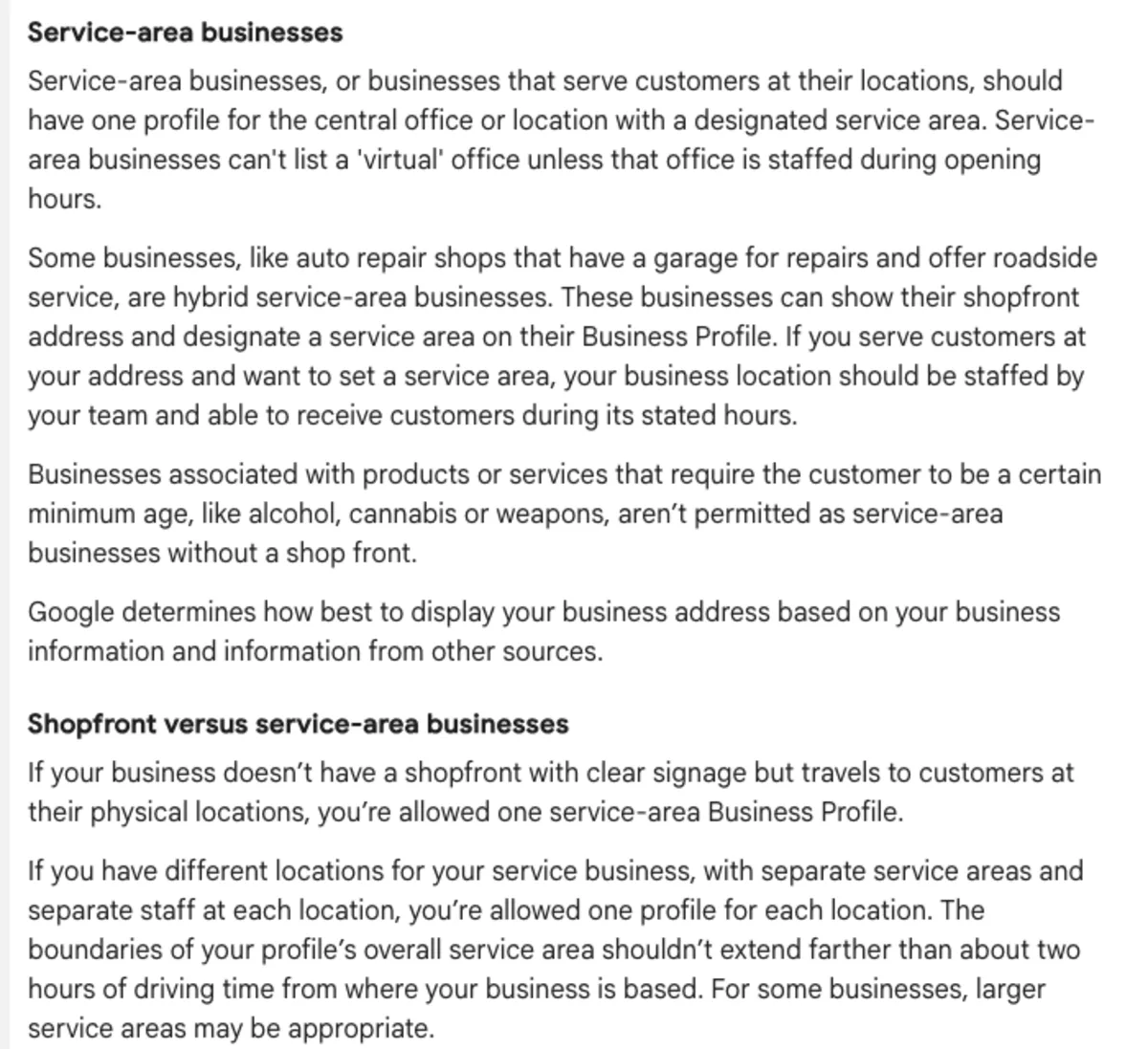
Google’s guidelines say service-area businesses “should have one profile for the central office or location with a designated service area.”
Google’s example of a hybrid business is a garage that also offers roadside service. Our reading: a signed base that guests visit, plus hotel pick-ups or gear delivery, fits that model. Hybrid businesses “can show their shopfront address and designate a service area on their Business Profile.”
Two limits matter for tourism:
- Google allows one profile per location only with “separate service areas and separate staff at each location”.
- The service area “shouldn’t extend farther than about two hours of driving time from where your business is based”. Google adds that larger areas suit some businesses.
Match the footer and the profile word for word. Name your departure points in the profile description and services too.
Running two staffed bases with two profiles? Route each guest’s review link by the departure point field in your booking system. We show how in collecting reviews for several Google profiles.
Retire old location pages
Remove pages for places you no longer operate from. For places you still visit now and then, swap the page for a service-area sentence.
Use wording like this, adapted to your region: “Our guides run trips across [region], including to [town].” It tells travellers you go there without claiming a shop.
Then clean up the trail:
- Take the old place names out of your main menu.
- Move any useful text, photos or FAQs into the tour pages or the Departure points page.
- Redirect each removed page (a 301 redirect) to the Departure points page or the closest tour page.
- Update the footer so it lists only where guests meet you now.
- Open Google Search Console and check which location pages Google has indexed.
- Ask ChatGPT or Google AI Mode where your business operates. Check the answer matches your new Departure points page.
Frequently Asked Questions
Should my tour business have a separate web page for each departure point?
Usually not. A staffed, signed base gets its own page. So does a spot with its own tours and things no other page says. List every other departure point on one Departure points page, in the footer and on each tour page.
Do departure points need their own Google Business Profile?
Only when the place is staffed, signed and open to customers during set hours. Google allows one profile per location for service businesses only with separate service areas and separate staff. A ramp, jetty or kerbside pickup stays on your main profile.
Will a page for each town help me rank in each town?
Not when the pages differ only by place name. Google’s spam policy names “pages targeted at specific regions or cities that funnel users to one page” as doorway abuse. Write about each place on the page where it matters: the tour that leaves from there.
Where should I list my departure points on my website?
In three places, as plain text. The footer, a Departure points page linked from your menu or footer, and each tour or hire page. Write the addresses the same way your Google profile shows them.
What do I do with location pages for places I no longer operate from?
Remove them and their menu links, and redirect each one to your Departure points page or the closest tour page. For places you still visit now and then, use a service-area sentence instead. Then check Google Search Console for the location pages Google still has indexed.
How do AI tools learn where my tours leave from?
From text on your pages and your Google Business Profile. Write the departure point, time and directions on each tour page, not only inside a booking widget or an image. Keep the footer and profile details identical.
Conclusion
Departure points belong on your tour pages, your footer and one Departure points page. Pages belong to the bases your staff run. Open your menu this week and rename any place-name items after what guests book.
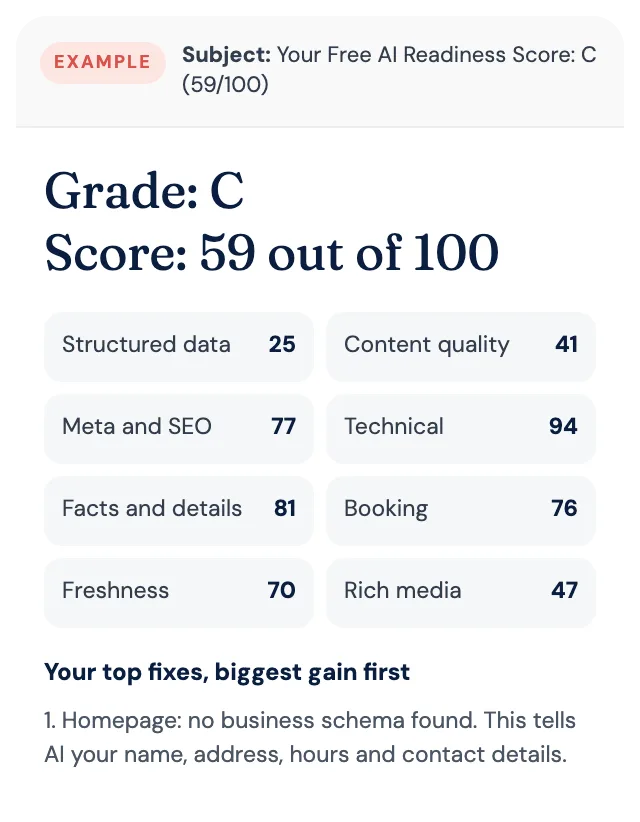
Free AI Readiness Score
How well does AI read your website?
Get your grade, a score out of 100 and your top fixes, by email. Free for tourism operators. No login and nothing to install.