
If your Google Business Profile verification keeps failing after a move, fix what Google checks before you try again. Edit the address on the profile you already have. Put your business name on a permanent sign at the new place. Then read Google’s reasons before you record another video.
Google’s own reasons for a failed video point at your location, your sign and proof you run the business. Work through them in order. Contact Google support once you’ve tried every method on offer.
- Why a move sends you back to verification
- Check the address Google has for you
- Put a permanent sign up at the new place
- Read Google’s reasons, then record a better video
- Still failing? Other methods, then support
- Use the wait to get the rest ready
Why a move sends you back to verification
A new address means a new check. Google’s help page says it plainly: “If you move your business to a new address after it’s verified, you must verify your business again.”
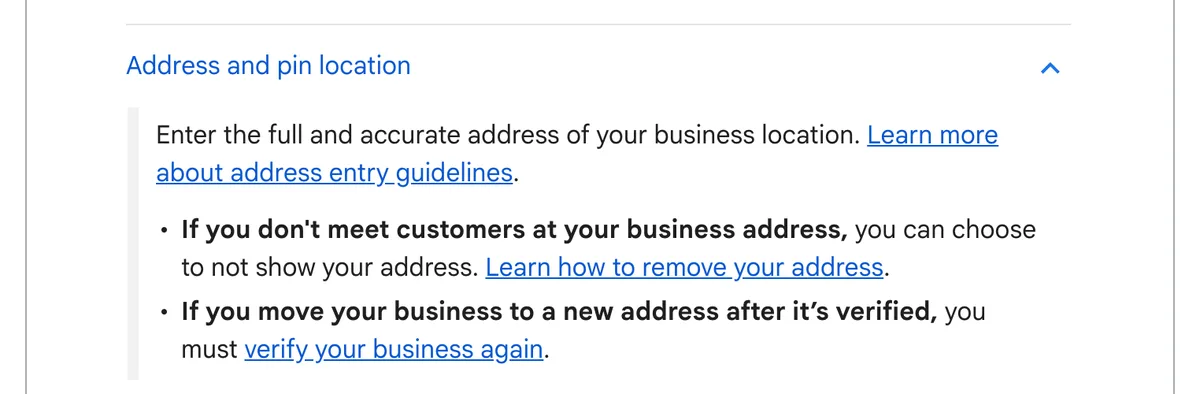
Move the profile you already have. Don’t start a fresh one. Google’s rule: “Do not create a new Business Profile because of a change in a physical location or ownership.”
Your reviews are the reason. Google says “If you move to a new address and keep the same business name, Google will transfer your reviews automatically.” For some categories, “like hotels, golf courses or scenic attractions”, Google says the reviews might not move by themselves.
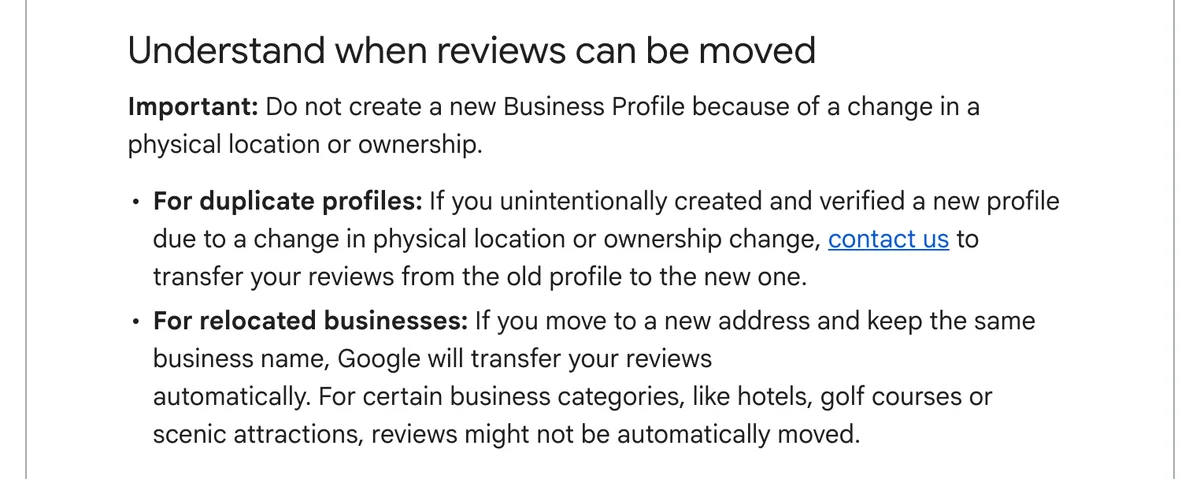
Already made and verified a second profile for the new address? Google’s reviews page tells you to contact Google to transfer your reviews from the old profile to the new one.
Keeping the old site open as well? That’s a second location, not a move. It gets its own profile, and our guide to opening a second location covers the order.
Check the address Google has for you
Google has to find your new address before it verifies it. Its help page says “To verify your business, enter a business address that Google can find.”
Google’s steps to change the address:
- Open your Business Profile and select Edit profile, then Location.
- Next to Business location, select Edit.
- Enter the new address.
- Save.
If Google doesn’t find the address, re-enter the parts it highlights in red. Still not found? Select Adjust and drag the pin onto your business. Google says changes usually show in about 10 minutes, and in some cases take up to 30 days.
Two rules while you sort it out:
- If Google mails you a postcard code, don’t edit your business name, address or category until you’ve used it. Google’s verification page warns against those edits while you wait for the code.
- Use an address you trade from. A rented postal address you don’t operate from isn’t eligible for a profile. We covered this in why a business doesn’t show on Google Maps.
Put a permanent sign up at the new place
Google’s video check looks for your business name at the address. For a business with a shopfront, Google wants the name “clearly printed on a permanent fixture.”
Google’s first example of a failed video is “Business name not visible on shop front.” After a move, the sign is often the last job on the list. Make it the first.
The name on the sign needs to match the name on your profile. Don’t add your town or “tours” to the profile name to make them line up. Google says unnecessary words in a name could get the profile suspended. In our training, a town in the name pushes you down local search.
Our coaching tip: if the proper sign is weeks away, start with a corflute sign. Put your business name on it and fix it to the wall. Our reading of Google’s “permanent fixture” wording: screw it to the building and leave it up. A sign held up for the camera isn’t permanent.
No customers at the new address? Then you’re a service-area business. Google’s address page says to hide your address only in that case, and list the area you serve instead. A tour operator who moved the office home and meets guests at the marina fits here.
A service-area video shows different things. Google asks for street signs or landmarks at your business address, the tools or equipment you use, and you doing the work. Google also lists business documents as proof, such as a permit, invoice or utility bill in your profile’s name.
Read Google’s reasons, then record a better video
When a video fails, Google tells you why. Google says it will “share the reasons why your first video wasn’t accepted.”
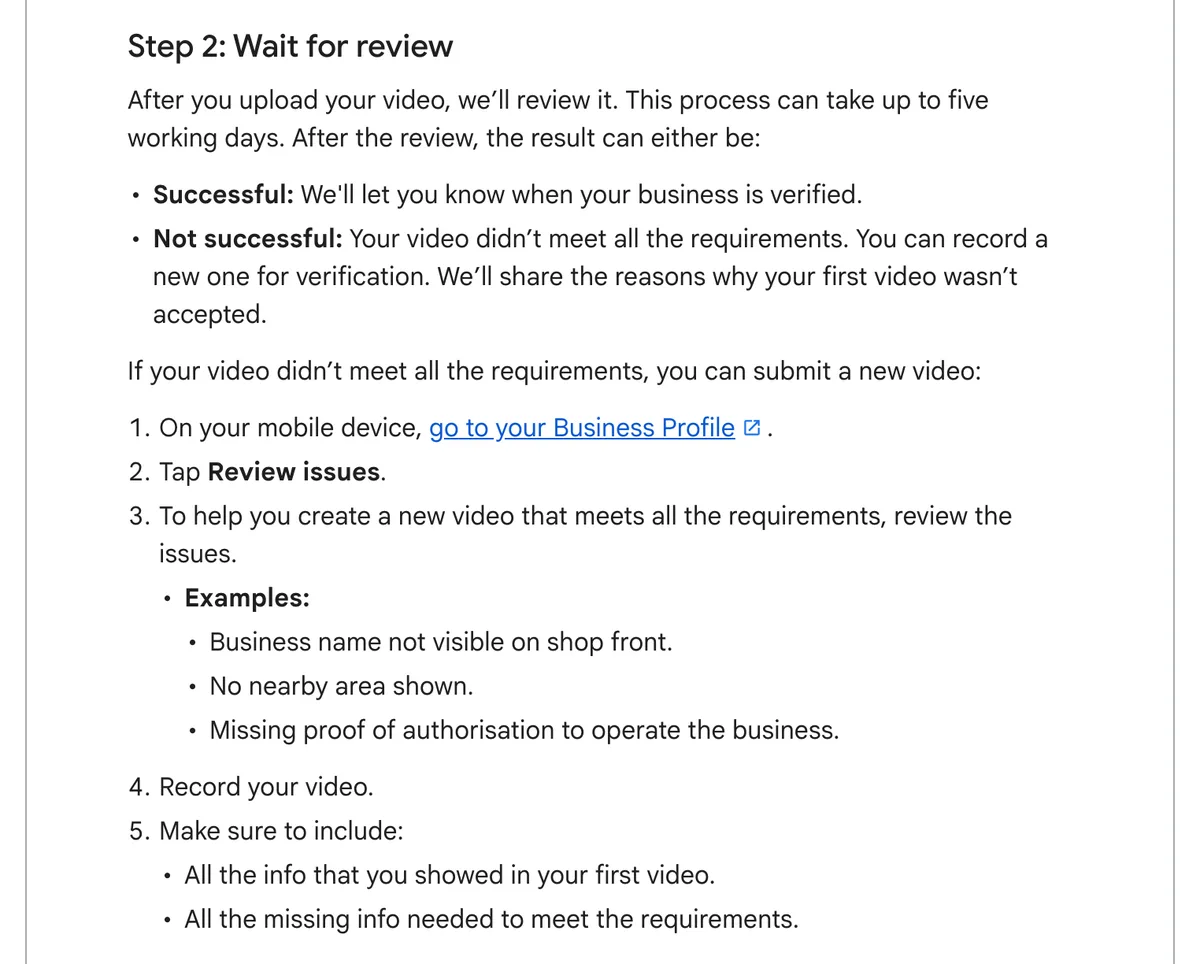
Google’s steps:
- On your phone, go to your Business Profile.
- Tap Review issues.
- Read every issue Google lists.
- Record a new video with everything from the first one, plus whatever was missing.
- Upload it.
Don’t re-record the same video and hope. Google’s examples of a failed video are specific: “Business name not visible on shop front”, “No nearby area shown” and “Missing proof of authorisation to operate the business.”
A storefront video covers three things, according to Google’s video page:
- Where you are: street signs, building numbers, nearby businesses or landmarks.
- That the business exists: your shopfront or sign with the name on a permanent fixture.
- That you run it: things only an employee reaches, such as a cash register, kitchen, storeroom or point-of-sale system.
Film it in one take. Google wants at least 30 seconds, unedited, with no breaks. Our tip: walk the route once before you press record.
Hypothetical example: a kayak hire business moves from the caravan park to a shed at the boat ramp. The video starts at the boat ramp street sign and pans to the cafe next door. It walks to the shed and holds on the business name screwed to the wall. Then the owner unlocks the kayak racks and opens the booking system on the counter tablet. That covers location, the sign and proof of management in one take.
Google says the review takes up to five working days. Wait for the result before you change anything else on the profile.
Still failing? Other methods, then support
Try every method Google offers before you contact support. Google’s verification page says “If your Business Profile shows multiple verification options, you can try other verification methods.”
Google chooses which methods you see. The list includes phone or text, email, a live video call and mail. On a live video call, Google asks you to show outside signs, nearby businesses or a street sign, so the sign still matters.
Google is also testing verification with a photo of a government ID, Search Engine Roundtable reported on 20 October 2026. It’s a test, so don’t count on seeing it.
If nothing works, Google’s next step is support: “If you’re still unable to verify your business, contact support.”
Our coaching tip for the support step:
- Screenshot your profile’s settings screen, the People and access panel and the exact error messages.
- Crop out personal details first. That’s our rule, not Google’s.
- Give the screenshots to ChatGPT. Ask which Google support route or workaround fits your case.
If the notice says your profile is suspended, that’s a different problem. Fix the cause first, as our Google Maps checklist explains. Google lets you submit an appeal once, with one further review if it’s denied.
Use the wait to get the rest ready
Don’t sit on your hands while Google reviews. Prepare the profile content now, so it goes in the day you’re verified.
- Write your description and services. Our guide to writing your Google Business Profile with AI walks you through it.
- Pick fresh photos of the new place, sign included.
- Put the new address in your website footer and contact page, written exactly as it will appear on Google.
Then, once Google verifies the move, update the other listings. Bing copies your Google profile when you link the two, so fix Google first. Our Apple Maps and Bing Places guide covers both. For Tripadvisor and ATDW, our guide to updating your business listings on third-party websites has the steps.
The profile matters beyond Maps. In Episode 21 of Untangling Tourism Tech, Fabienne and Liz explain where voice-mode answers come from. Ask a phone where to eat or stay, and the answer comes from the operator’s Google Business Profile, not a website. Our view: an unverified profile at the old address sends AI tools to the wrong place.
Want a second pair of eyes once you’re back? Our AI Health Check audits how AI sees your business across your website, Google, Tripadvisor and Google Maps.
Frequently Asked Questions
Do I need to verify my Google Business Profile again after moving?
Yes. Google says that if you move your business to a new address after it’s verified, you must verify it again. Edit the address on your existing profile, then follow the verification steps Google shows you.
Should I create a new Google Business Profile for my new address?
No. Google says not to create a new profile because of a change in physical location. Keep the same name and Google transfers your reviews automatically, except in some categories such as hotels and scenic attractions. If you already made and verified a new one, contact Google to move your reviews across.
Why does Google keep rejecting my verification video?
Google lists the reasons under Review issues on your profile in the mobile app. Its examples are a business name not visible on the shopfront, no nearby area shown and no proof you run the business. Record a new video with everything from the first one, plus what was missing.
Does a temporary sign count for Google Business Profile verification?
Google asks for your business name on a permanent fixture, such as a signboard, wall or window. Our coaching tip is a corflute sign fixed to the wall while the proper sign is made. Our reading is that it needs to stay up. Screw it to the building rather than hold it up for the video.
How long does Google Business Profile verification take after a move?
Google says video reviews take up to five working days. An address change usually shows in about 10 minutes, and in some cases takes up to 30 days. If Google mails you a code, don’t edit your name, address or category until you’ve used it.
What if my new address has no shopfront?
Then list as a service-area business and hide the address. Google says to hide it only when you don’t serve customers there. Your video shows landmarks at your business address, your equipment and you doing the work. Google also lists documents such as a permit or utility bill in your profile’s name as proof.
Conclusion
Google’s reasons for a failed verification point at the address, the sign and the video. Fix those three on the profile you already have, then try every method before you contact support. Check your sign today and open Review issues on your phone.
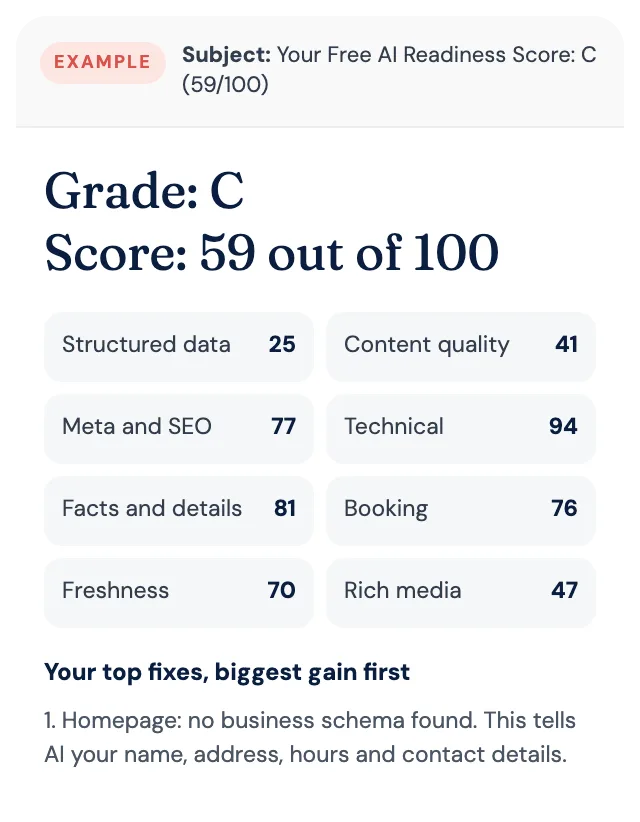
Free AI Readiness Score
How well does AI read your website?
Get your grade, a score out of 100 and your top fixes, by email. Free for tourism operators. No login and nothing to install.