
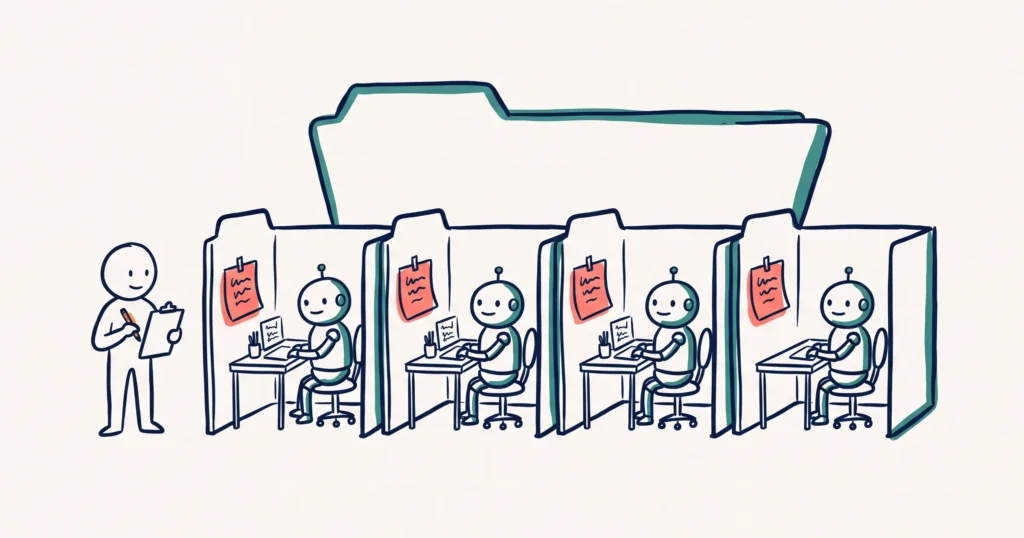
An AI operating system is the way you set AI up to work like a team in your business. It has three parts: the best model your budget allows, your context written down, and a folder for every job. Set up this way, AI stops starting from zero in every chat. This guide covers how to think about AI, which folders you need, what goes in each one and which AI tools read them.
- How should you think about AI in your business?
- Which folders does your tourism business need?
- What goes in each project folder?
- What belongs in the parent folder, and what stays out?
- Which AI tools read these files?
- How do you set it up? A worked example
How should you think about AI in your business?
Think of AI as staff you manage, not software you operate. Each AI agent is a skilled new hire who knows the trade and knows nothing about your business.
Fabienne Wintle, who runs our Tourism Tech Sessions, describes it to members this way: “It’s like a person that you’ve got in your business that’s super well trained in what they need to do but have no idea about how you do business.”
It took her a while to see it. “When I understood that I suddenly had a team of 50 people that were working for me and my job was to manage them, it made a lot of sense.”
This set-up has a name. ManaTech defines an AI operating system as “a centralized workspace that holds your business context” (ManaTech). The part where you write down what you know is called context engineering: “the practice of deliberately building the information environment your AI operates in” (Modern Operators).
We teach the same idea in our course AI as a Business OS: Foundations. AI is the layer your business runs through, and you, the owner, have to understand it.
Choose AI the way you choose a divorce lawyer
Fabienne’s example in sessions is the divorce lawyer. “If you want a divorce, you go to the best divorce lawyer you can afford.”
You don’t tell the lawyer how to do the job. “You sit down and you download to it all your information. You literally bring your suitcase.” The lawyer works out the plan from what you brought.
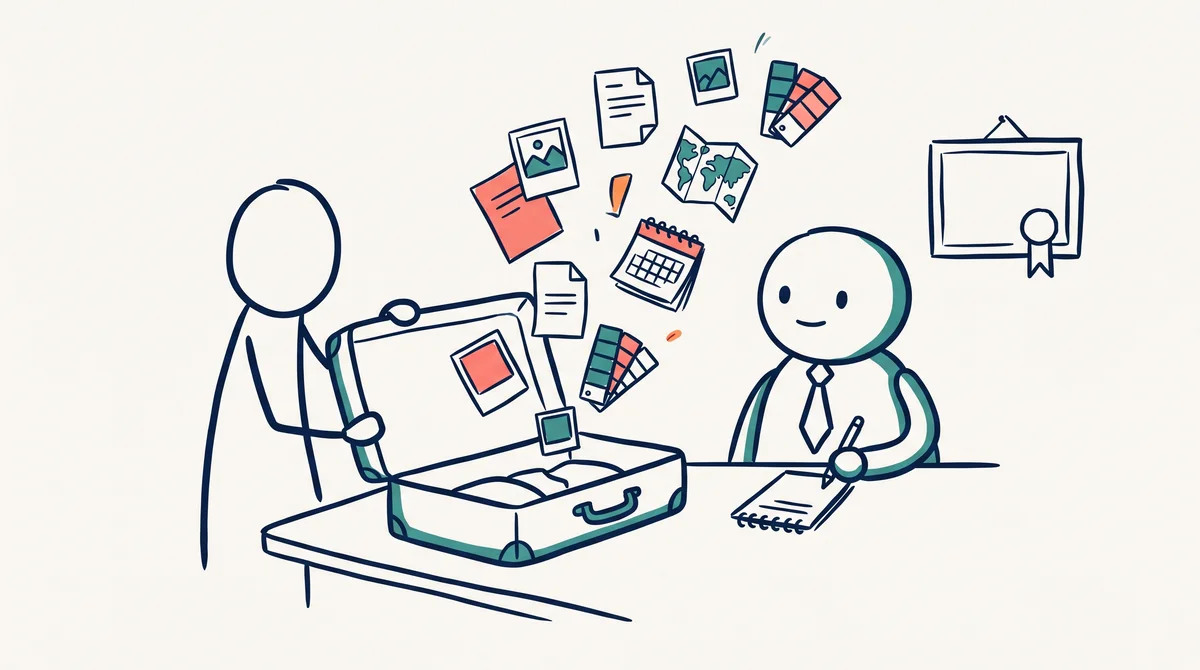
AI works the same way, which leaves you two decisions:
- Which lawyer. Use the strongest model your budget allows for planning. A weaker model asks fewer questions and misses the cases that trip it up later.
- What goes in the suitcase. “That suitcase of information is your playbook and your files.” This is your context, and nobody else has it.
Context is the part only you have
AI already knows how to write a caption, read an invoice or build a web page. It doesn’t know your four content pillars, which suppliers bill you monthly or why guests choose you over the place next door. In Fabienne’s words: “the way you do business, AI doesn’t have that.”
Getting that out of your head and written down is the real work. The folders and files in this guide are where it lives once it is written.
The three reasons AI gets it wrong
When AI makes a mistake, Fabienne traces it to one of three causes:
- The wrong lawyer. You used a cheap model for a job that needed the good one.
- No planning. You went straight to doing, with no session where the AI asks you questions first.
- No context. You never brought it the suitcase, so it guessed.
Operators describe the results to us in coaching:
- You explain your business again at the start of every chat.
- You have dozens of open chats and no idea which one holds the latest version.
- The AI saves files into folders it made up, and you lose track of them.
- You correct a mistake on Monday and it makes the same one on Thursday.
- Nothing tells you, or the AI, what the next job is.
A longer prompt fixes none of this. A structure does: a place for each job, and a few short files the AI reads before it starts.
Which folders does your tourism business need?
You need one folder for each job you would hand to a staff member, inside one parent folder for the business. Start with one or two.
Fabienne’s picture for members: “These employees have offices. That’s what the folders are.” Each agent goes to its own office, reads what is on the door and gets to work.
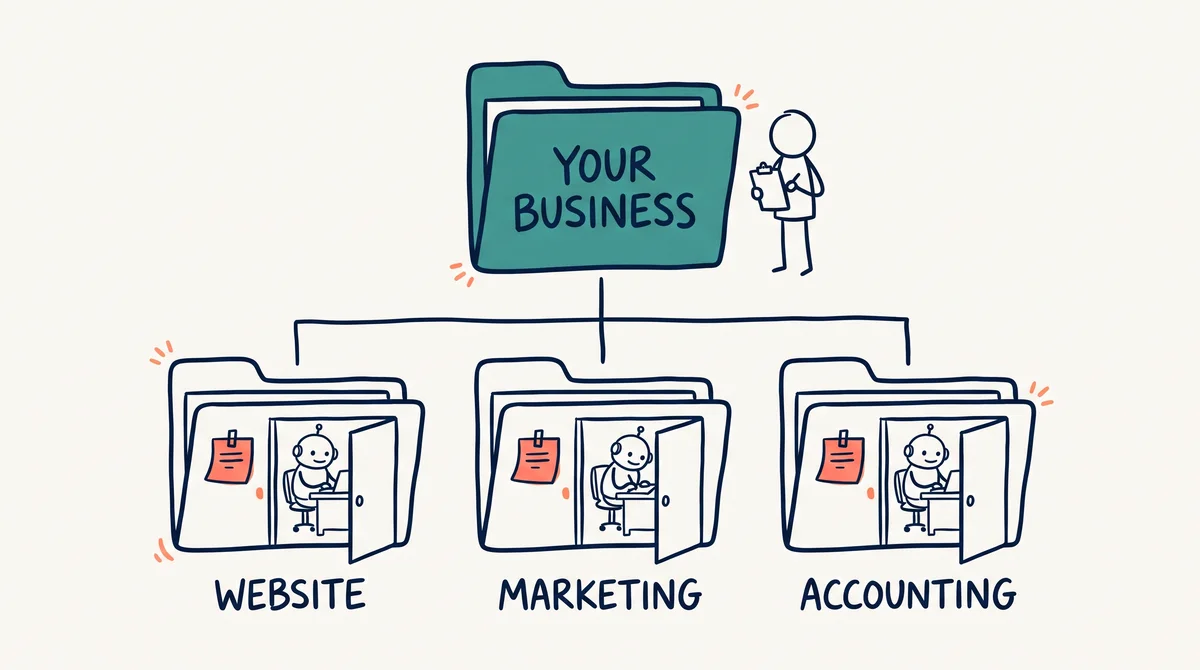
- List the jobs, not the tools. Website. Marketing. Guest enquiries and reviews. Accounting. Staff and operations. A folder called “ChatGPT stuff” tells the AI nothing.
- Start with the job that takes the most hours each week. Set up that folder first and get it working before you add another.
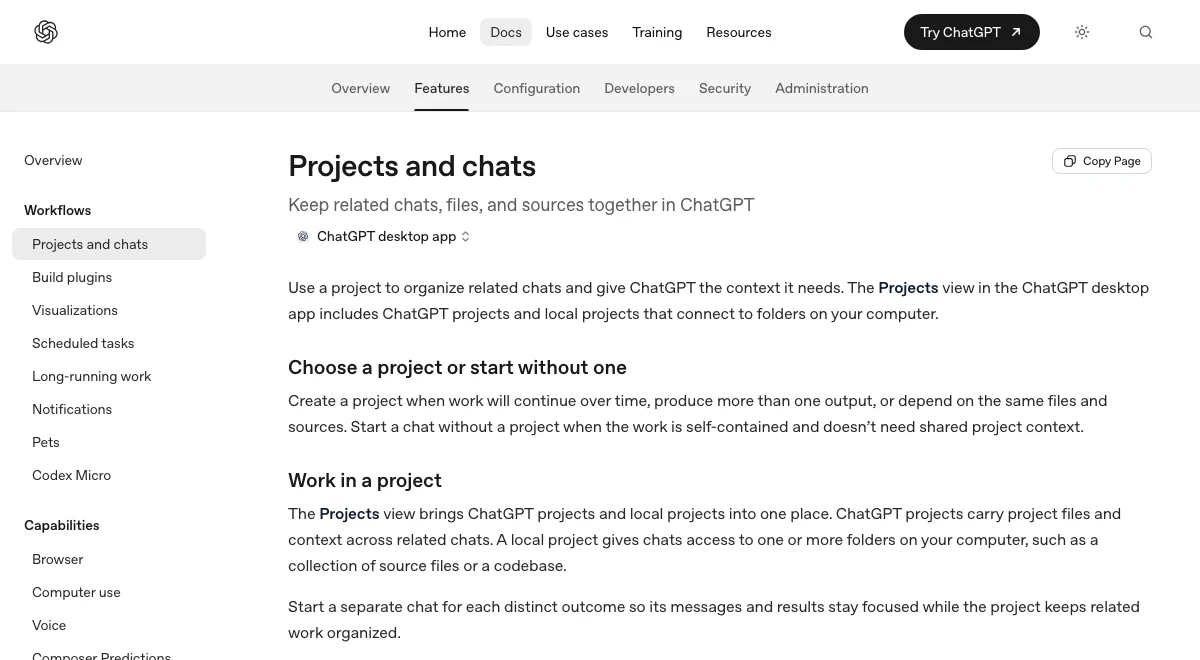
- Test each idea before it gets a folder. OpenAI’s guide to ChatGPT projects gives the test: “Create a project when work will continue over time, produce more than one output, or depend on the same files and sources.” (Projects and chats, OpenAI). A one-off question needs a chat, not a folder.
- Split a folder when part of it has its own goal and its own rules. Social media sits inside Marketing because it has its own plan, playbook and posting schedule.
- Stop at the folders you use. Three working folders beat thirty empty ones.
For most tourism businesses the first set looks like this:
- Website: pages, search visibility, the booking widget.
- Marketing: social media, the email newsletter, Google Business Profile posts.
- Guest service: enquiry replies, review replies, the questions guests ask most.
- Accounting: supplier bills, invoices, receipts.
- Operations: rosters, procedures, supplier lists.
What goes in each project folder?
Three short files go in every project folder: AGENTS.md, CHANGELOG.md and plan.md. A job you repeat every week also gets a playbook.
- AGENTS.md is the instruction sheet on the office door. It says what the folder is for, where things are and the rules. Every folder has one, and every one has the same name. The folder it sits in tells them apart.
- CHANGELOG.md is the work diary. After each job, the AI adds a dated note on what it did and what comes next. Next time, it reads the last few notes first.
- plan.md holds the goal, the steps and the next action with a due date. The AI ticks steps off as it goes.
- A playbook is the rule book for one whole job, with an example for each rule. “Playbook” is our word for it, not a ChatGPT feature. Our guide to setting up an AI social media manager shows one in full.
One more file sits in the parent folder: a next actions list. It is the only file you need to read. It shows what is due in every folder.
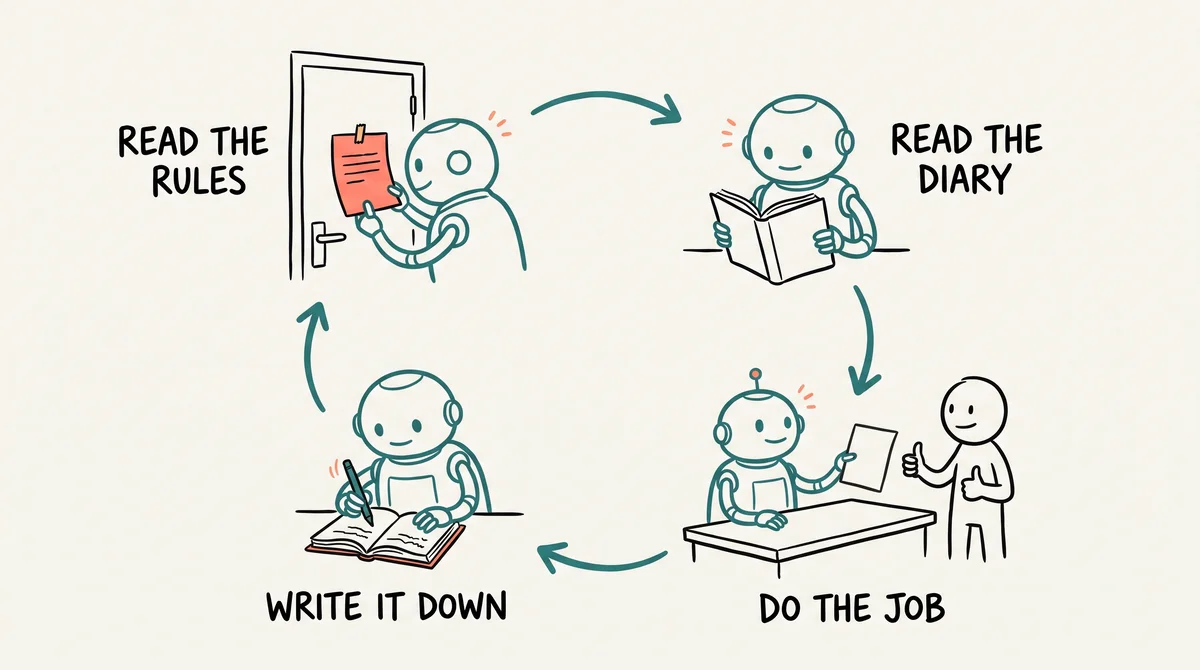
The changelog is why you close a chat when the job is done. OpenAI gives the same advice: “Start a separate chat for each distinct outcome so its messages and results stay focused while the project keeps related work organized.” (Projects and chats). The history lives in the folder, so closing the chat loses nothing.
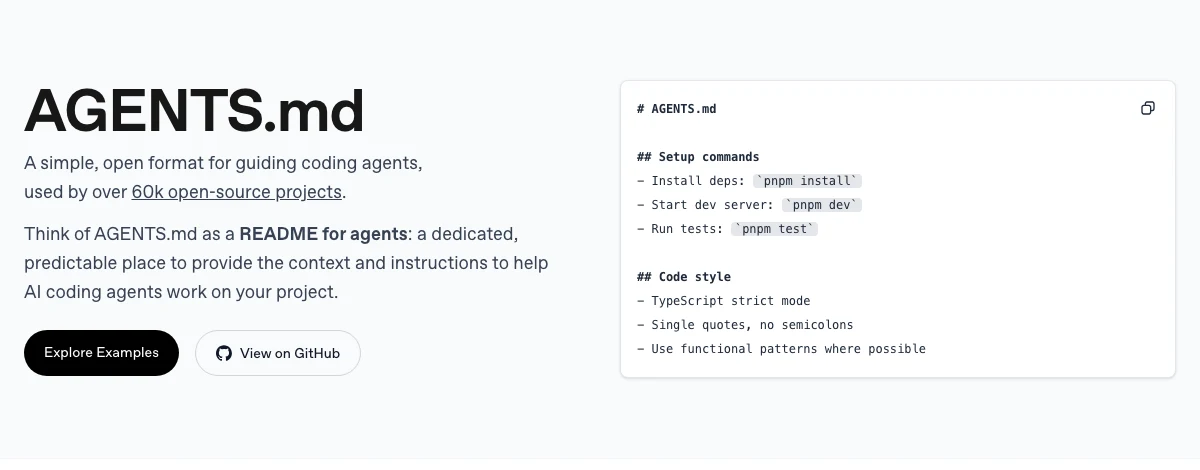
A README file is different. The AGENTS.md project describes README files as “for humans” and AGENTS.md as “a README for agents” (agents.md). AGENTS.md is the file your AI looks for.
What belongs in the parent folder, and what stays out?
The parent folder holds what is true for every job. Each project folder holds only what is specific to that job.
- Say it once, at the top. The parent AGENTS.md says who you are, who is on the team and how you like things explained. It also holds the rules for every job. If “write in Australian English” is there, delete it from the project files.
- Keep every file short. The AI reads the file at the start of each chat. A long one fills its working memory, and it follows the rules less well. OpenAI’s advice on AGENTS.md is three words: “Keep it small.” (Customization). Anthropic says to “target under 200 lines” for Claude’s version of the file. Its reason: “Longer files consume more context and reduce adherence.” (How Claude remembers your project).
- Link to documents. Do not copy them in. Your operations manual, meeting transcripts and photo library stay in Google Drive or Dropbox. AGENTS.md gives the link. The folder is the desk. Your Drive is the bookshelf.
- No passwords, ever. Logins stay in a password manager.
- Let the AI write the first version. Ask it to draft each file, then read it and correct it. Each one is a plain text file, so you change it any time.
Which AI tools read these files?
Not every AI tool reads AGENTS.md on its own. We checked each tool’s documentation on 19 and 20 November 2026.
- Codex in the ChatGPT desktop app finds the AGENTS.md in your project’s main folder on its own (Projects and chats). OpenAI’s guide says Codex “reads AGENTS.md files before doing any work” (Custom instructions with AGENTS.md).
- ChatGPT Work with a folder on your computer: OpenAI’s documentation does not say either way. Run the check below.
- ChatGPT on the web or your phone does not see your folders. OpenAI: “A ChatGPT project doesn’t provide direct access to a folder on your computer” (Projects and chats). Paste the text of your AGENTS.md into the project’s instructions box.
- Claude Code reads AGENTS.md when the folder has no CLAUDE.md file. If it has one, Claude reads CLAUDE.md instead (Anthropic).
- Claude projects and Gemini Gems take their instructions from a box you type into. Paste the same text there.
- Gemini’s command line tool reads a file called GEMINI.md. It reads AGENTS.md only after you change a setting (Gemini CLI).
The check: start a new chat in your folder and ask, “What does my AGENTS.md tell you to do?” If the answer is right, it read the file. If not, begin each chat with “Read AGENTS.md first.”
Some tools read the parent file and the project file together. Others read only the folder you opened. So start each project file with one line that tells the AI to read the parent file first.
Still choosing a tool? Read how to choose between ChatGPT, Gemini and Claude and how to set up the ChatGPT desktop app.
How do you set it up? A worked example
Start from the end goal, then build the parent folder and one project folder, and run one real job through it.
Fabienne opens every set-up the same way: “We got to always start for the end goal. What good looks like.” Say what you want from the job as if you had hired a person for it. Then let the strongest model question you. Her prompt ends: “Ask me all the questions you need until you’re 98% convinced you understand.”
Here is a hypothetical example. Quoll Ridge Cabins is a made-up business with four cabins and an owner, Sam, who is not technical.
- The trigger: on Monday, three supplier bills arrive by email.
- The action: Sam starts a new chat in the Accounting folder and says, “Enter this week’s bills.” The AI reads AGENTS.md, which says drafts only, never pay. It reads the last three changelog entries and sees one supplier changed their bank details last month. It drafts three bills and lists one amount it is unsure of.
- The human decision: Sam checks the drafts in the accounting software and approves them.
- The handover: the AI adds a changelog entry and updates the next actions list. Sam closes the chat.
To build your own:
- Make the parent folder on your computer or in a synced drive, and name it after your business.
- Connect it to your AI tool. In the ChatGPT desktop app, add a local project and attach the folder. A ChatGPT project on the web has no access to your computer.
- Hold a planning session with the strongest model you have. It questions you until it understands the job, then writes the parent AGENTS.md.
- Add one project folder with its AGENTS.md, CHANGELOG.md and plan.md.
- Run one real job, then read the changelog entry. Expect mistakes. “It’s going to get 80% right.” Fix the rule that was missing, not the output.
- Put the repeat jobs on a timetable once the drafts are right. See how to set up ChatGPT scheduled tasks.
Want a hand with the first folder? Book one on one coaching, or bring your questions to a Tourism Tech Session as an AI Enablement Plan member.
Members get the AGENTS.md starter folder
AI Enablement Plan members download a ready-made starter folder. It has a parent AGENTS.md and project folders for website, marketing, social media and accounting, each with its own CHANGELOG. Every file is filled in for a made-up cabin business.
Already a member? Log in here to open it.
Frequently Asked Questions
What is an AI operating system for a small business?
An AI operating system is the way you set AI up to work like a team in your business. It has three parts: the best model your budget allows, your business context written down, and a folder for every job. Each folder holds a short instruction file called AGENTS.md, a CHANGELOG and a plan. Every chat then starts from the same place, so your AI stops starting from zero.
How many AI project folders does a small tourism business need?
Start with one parent folder and one or two project folders. Pick the jobs that take the most hours each week, such as marketing or accounting. Add a folder when the work continues over time or relies on the same files each time. Three working folders beat thirty empty ones.
What is the difference between AGENTS.md and a CHANGELOG file?
AGENTS.md holds the standing instructions for a folder: what it is for, where things live and the rules. It rarely changes. A CHANGELOG is the work diary for the same folder. The AI adds a dated note after each job. It reads the last few notes at the start of the next chat.
Does ChatGPT read AGENTS.md files?
It depends where you use it. Codex in the ChatGPT desktop app finds the AGENTS.md in your project’s main folder. ChatGPT projects on the web or your phone do not see folders on your computer. Paste the text into the project’s instructions box instead. For ChatGPT Work with a local folder, OpenAI’s documentation does not say. Ask it what your AGENTS.md tells it to do.
Why does AI keep getting things wrong in my business?
Tourism Tribe’s Fabienne Wintle traces AI mistakes to three causes. You used a weaker model for a job that needed the strongest one. You skipped the planning session, where the AI asks you questions first. Or you never gave it your context, so it guessed. Fix the cause in your plan or playbook, so the next job goes better.
Do I need to be technical to set up AGENTS.md files?
No. An AGENTS.md file is a plain text file written in everyday English. Ask your AI to question you about your business and write the first version, then read it and correct it. Tourism Tribe members get a starter folder with a filled-in example to copy.
Conclusion
Manage AI like a team and it starts to behave like one. That is your AI operating system: the best model you have, your context, and a folder for each job with AGENTS.md, CHANGELOG.md and plan.md. Fabienne’s promise to members who get this far: you “think strategically instead of being bogged down in the operations.” Start with one folder this week.
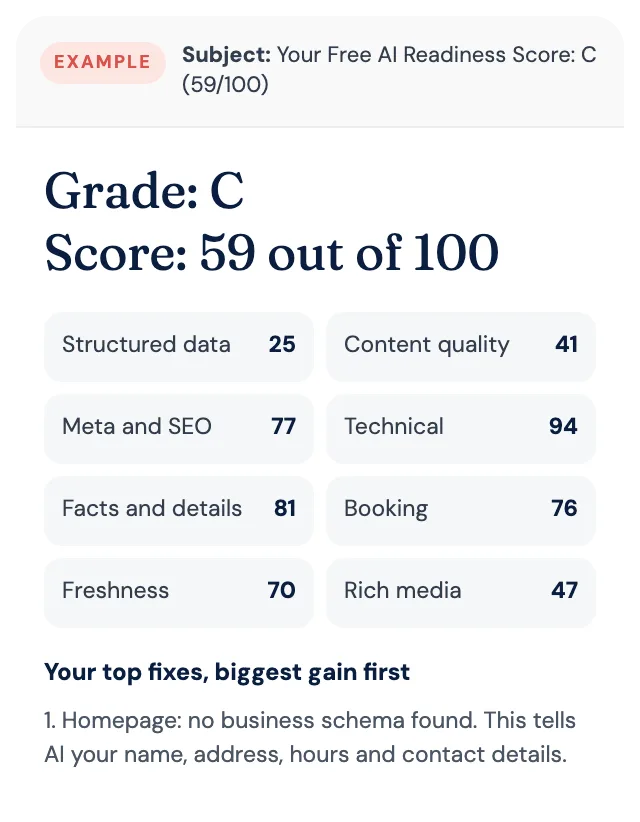
Free AI Readiness Score
How well does AI read your website?
Get your grade, a score out of 100 and your top fixes, by email. Free for tourism operators. No login and nothing to install.