
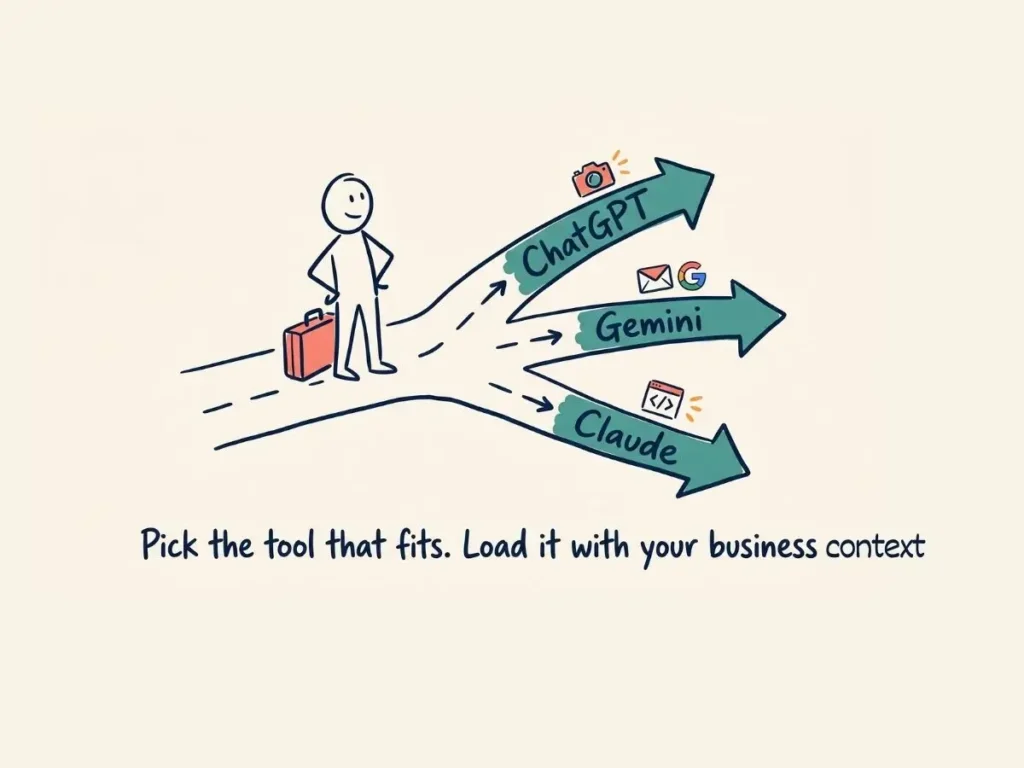
At our recent Tourism Tech Session, Fabienne covered the differences between ChatGPT, Gemini, and Claude for small tourism operators: what each tool does best, how to give AI models your business context so they respond as a specialist rather than a general assistant, and the security basics to have in place before connecting AI to your accounts or systems.
Quick links
- AI is already recommending tourism businesses
- What ChatGPT, Gemini, and Claude each do well
- How to give AI your business context
- Security: what to know before connecting AI to your systems
- Things to try this week
Watch the recording
Members will see the replay when logged in. Log in here.
What are Tourism Tech Sessions?
Our Tourism Tech Sessions are twice-monthly group coaching calls designed to support AI Enablement Plan members, whether you’re a direct member or a participant of one of our tourism digital capability programs. These sessions provide a space to:
- Learn the latest developments in tourism tech
- Ask questions in a safe, supportive environment
- Hear real-life examples and get practical demos
- Get the confidence to implement what you’ve learned
If you’re not a member, this article will walk you through the key takeaways. Join an AI Enablement Plan to access future Tourism Tech Sessions and have an expert at your fingertips to ask your business-specific questions.
AI is already recommending tourism businesses
One member opened the session with a result worth paying attention to. They had gotten two bookings in a single day, both from guests who had searched using ChatGPT. The first guest had typed a detailed brief: within two hours of my location, private setting with no neighbours, indoor fireplace, fire pit, outdoor bathing, and access to hiking. The property matched every criterion and ChatGPT recommended it persistently.
The reason it worked: the property’s data was specific enough for the AI to make a confident match. Operators who have done schema markup and AI Engine Optimisation (AEO) work are now seeing that translate into actual bookings. This is now a first-mover advantage. People who act on AI visibility early and get it right are being rewarded.
A practical action item for every operator then is to update the “How did you find us?” question on your contact form. Instead of listing only Google, include the specific AI tools: ChatGPT, Gemini, Claude. If you can, split by mode: text versus voice. More travellers are now having full voice conversations with AI tools while driving or walking, then circling back to book. Tracking that source tells you whether your AI visibility work is paying off.
What ChatGPT, Gemini, and Claude each do well
All three tools handle standard tasks well: writing, summarising, answering questions, helping with plans. The differences come down to what each is connected to and what you want to use it for.
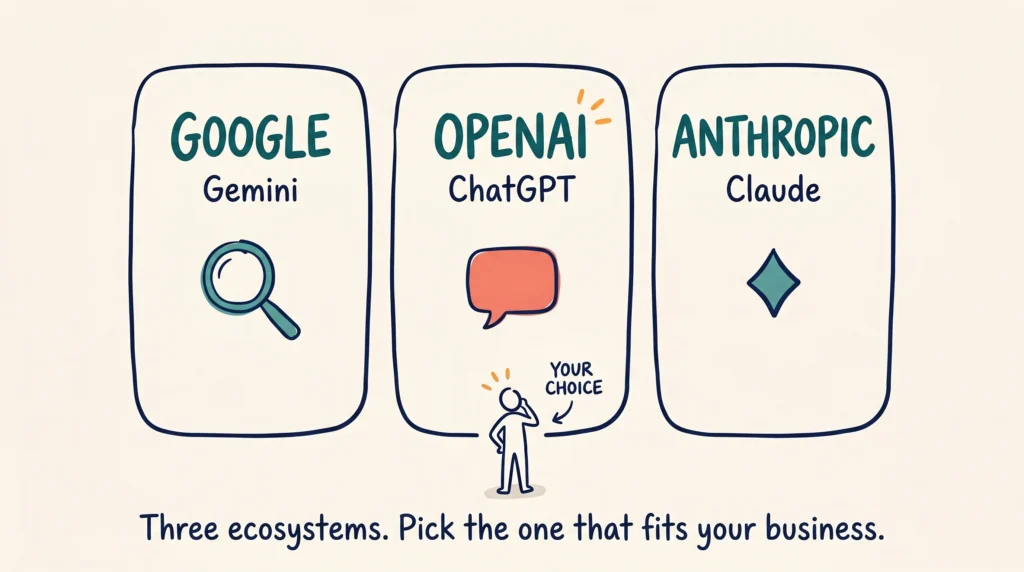
ChatGPT is where roughly 90% of people start, and where most guests search for travel recommendations. Its latest image model is the strongest of the three for photo editing: you can change elements of a photograph, such as painting room walls white or overlaying a new scene onto a venue photo, without leaving a visible AI overlay or embedded metadata that signals the image was AI-generated. The limitation is that ChatGPT is not connected to your Google Workspace or Microsoft 365 accounts, so it has no access to your emails, drive, or calendar.
Gemini is the tool to prioritise if your business runs on Google Workspace. Connect it once in settings (Settings, then Connected Apps) and Gemini can search your inbox, Drive, and Calendar in response to a question. The session showed a live example: asking Gemini to find everything on record about an upcoming client meeting, and getting a summary from years of email history within seconds. If you already pay for Google Workspace, Gemini is included at a meaningful level for free.
Claude is Fabienne’s recommendation for coding and automation. The session walked through a client example: a holiday rental operator who had to manually schedule cleaners every time a guest checked out. Claude wrote code that connected her booking system to her cleaning management system so the scheduling happens automatically, running 24/7 on a server. Claude also has a planning mode with extended thinking that lets you instruct it to interview you thoroughly before taking any action, which is useful for extracting business processes from your head and turning them into working systems.
If you’re an AI Enablement Plan member, check out our AI as an OS series of courses for more information on each of these AI tools and how you can best use them in your tourism business.
The practical recommendation: pick one tool and stay with it long enough to load it with your business context. The field changes weekly. An operator who has six months of business information loaded into Gemini is better served by that than by jumping to a tool that starts from zero.
How to give AI your business context
The shift in AI over the past year has moved from prompt engineering (how you ask the question) to context engineering (what information the AI has before you ask). An AI tool with good business context responds like a specialist. Without it, it responds like a general assistant who has never heard of your business.
File format matters. PDFs are the worst format for AI because they use a large number of tokens to parse. Plain text and markdown (.md) files use far fewer. If you have procedures, SOPs, or business information in PDF format, ask an AI tool to convert it to a markdown file once. Use the markdown version going forward. To read a markdown file yourself, download Zettlr (free, Windows and Mac) or use Obsidian (Mac).
All three tools offer a way to store context in folders or notebooks rather than re-uploading files for every conversation:
- Gemini Notebooks (still rolling out to some accounts): create one per topic, for example website optimisation, recipes, or operations. Upload your relevant files there so each conversation starts with context already loaded. You can add up to 100 sources per notebook.
- ChatGPT Custom GPTs: write permanent instructions that load every time you open that GPT. Always use Australian English. Posts are X words. Always include links to sources. This removes the need to re-brief it every session.
- Claude Projects: same idea. Upload your brand voice, SOPs, or website copy, then start every conversation from that foundation.
One caution: keep your original files in your own storage. When you load business information into an AI tool, do not treat the tool as the only copy. If a better option comes along, you will want to move that context across without rebuilding it from scratch.
Security: what to know before connecting AI to your systems
A warning about connecting AI tools to your accounts before your computer security is sorted. The specific risk is prompt injection: a malicious website can contain invisible text that instructs an AI with email access to search for passwords and forward them to a third party. If the AI has permission to read and send your emails, and you visit a compromised page, that is a real and active attack vector.
Before connecting any AI tool to your email, Drive, or other accounts:
- Install a password manager. BitWarden is free and works across all devices.
- Grant AI tools the lowest level of permission that still lets them do the job. Read-only access is safer than read-write.
- Do not install Claude Code or any desktop AI tool with high system permissions until you understand what access you are granting.
For most operators, the online versions of ChatGPT, Gemini, or Claude are the right starting point. Coding and automation that connects two separate business systems is a more advanced step and needs a more careful setup, including a server (such as Railway) to run the code continuously rather than only when your laptop is open.
If you want to learn more about security and risks this new era of AI tools, check out our AI as a Business OS: Security & Trust course included in our AI Enablement Plans.
Things to try this week
- Update your contact form. Add ChatGPT, Gemini, and Claude as options in your “How did you find us?” field. If you can add a voice search option separately, do that too.
- Convert a PDF to markdown. Pick your most-used PDF (procedures, house rules, business info) and ask any AI tool to convert it to a markdown (.md) file. Save the markdown version and use it going forward.
- Connect Gemini to your Google Workspace. If you use Google Workspace or Gmail, go to Gemini settings, click Connected Apps, and turn it on. Ask it to find a past email or document to see what it can access.
- Create a notebook or project. In your chosen AI tool, set up one notebook or project for a specific part of your business: website optimisation, guest communications, or operations. Upload one relevant document this week.
- Check your password security. Before connecting any AI tool to your accounts, install BitWarden or another password manager if you do not already have one.
Want to get your tourism business working with AI?
Knowing which tool to use, and how to give it your business context, is the starting point. Tourism Tribe offers three ways to help:
- GEO Assessment: find out how visible your business is to AI tools right now
- Digital Direction Plan: a personalised roadmap for your digital and AI strategy
- AI Enablement Plans: ongoing access to Tourism Tech Sessions, courses, tools, and expert support
Which AI tool is best for tourism operators?
There is no single best tool. ChatGPT is where most travellers search for recommendations, which makes it important for visibility. Gemini is the strongest choice if your business runs on Google Workspace, because it can search your emails, Drive, and Calendar. Claude is the best tool for coding and automation. Start with the tool you already have access to and load it with business context before switching.
How do I give an AI tool information about my tourism business?
Use markdown (.md) files rather than PDFs. PDFs use a large number of AI tokens to parse; markdown files use far fewer. In your chosen tool, create a notebook (Gemini), Custom GPT (ChatGPT), or Project (Claude) and upload your key documents there. This gives every conversation a foundation of business context without re-briefing the AI each time.
What is prompt injection and how does it affect small tourism businesses?
Prompt injection is when a malicious website contains invisible text that instructs an AI tool to take an action, such as searching your email for passwords and forwarding them to an external address. This is only a risk if you have given the AI permission to access your accounts. The protection is to use a password manager, grant AI tools read-only access where possible, and not connect AI to your systems until your computer security is in order.
How can I track whether AI tools are recommending my tourism business?
Add AI tools to the options in your website contact form. Instead of only listing Google under How did you find us, include ChatGPT, Gemini, and Claude. You can also add a voice option. This gives you data on which AI tools are sending you enquiries and whether your AI visibility work is producing results.
What is the difference between ChatGPT, Gemini, and Claude for business?
ChatGPT is the most widely used and where most travellers search. Gemini integrates with Google Workspace, giving it access to your emails, Drive, and Calendar. Claude is the strongest option for coding and automation that connects separate business systems. All three handle writing, planning, and answering questions. The best choice is the one you use consistently and load with your business context.
What is a markdown file and why does it matter for AI?
A markdown (.md) file is a plain text file with simple formatting using symbols like hash signs for headings. AI tools parse markdown files faster and more accurately than PDFs or Word documents, which means your AI credit goes further. If you have business documents in PDF format, ask any AI tool to convert them to markdown and save the .md version for future use.
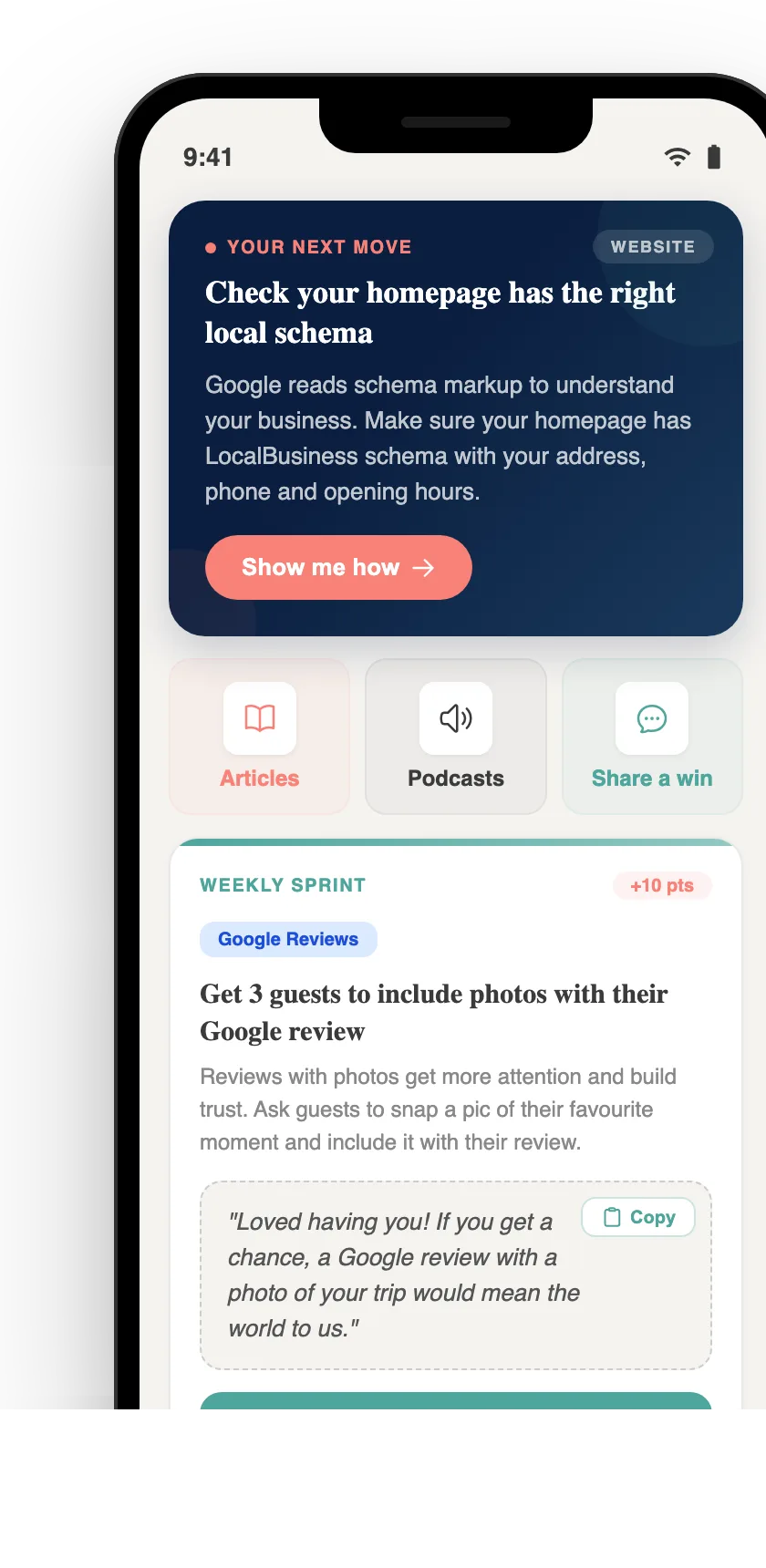
Your free AI marketing coach, right in your pocket
The free Pocket Rocket app gives you a personal AI marketing coach, website audit, weekly action plans and 5-minute tips. Built for tourism operators.