
Start with yourself. If your staff have the AI tools and still don’t use them, more training for them rarely fixes it. Learn the tools on a real job in your own business first, then work through that job with your team. An operator asked Fabienne to train a staff member who wouldn’t use the tools. Her answer is in Episode 23 of Untangling Tourism Tech.
- Why won’t staff use the AI tools you already pay for?
- Why does the owner have to learn AI first?
- Why doesn’t a training session change the habit?
- How do you get your team using AI, step by step?
- Frequently Asked Questions
Why won’t staff use the AI tools you already pay for?
Fear of getting it wrong is one reason staff avoid AI, and it’s the one Fabienne heard from an operator in Episode 23.
The operator wanted Fabienne to train a staff member. The staff member had every tool at their disposal and would not use them. The fear was getting things wrong.
The fear makes sense. A first try with AI often goes badly. In our AI in Tourism Playbook, the first stage of the AI Driver’s Licence is L-plates. You chat to AI with no customer persona, no brief and little context. The playbook’s verdict: “Generic input produces generic output.”
Most Australian tourism operators sit at L-plates, according to the playbook. In Liz Ward’s workshops, around 80% of hands go up when she asks who uses AI. Most of those people use ChatGPT for content or basic research, as Liz explains in Episode 18, From L-Plates to AI Boss.
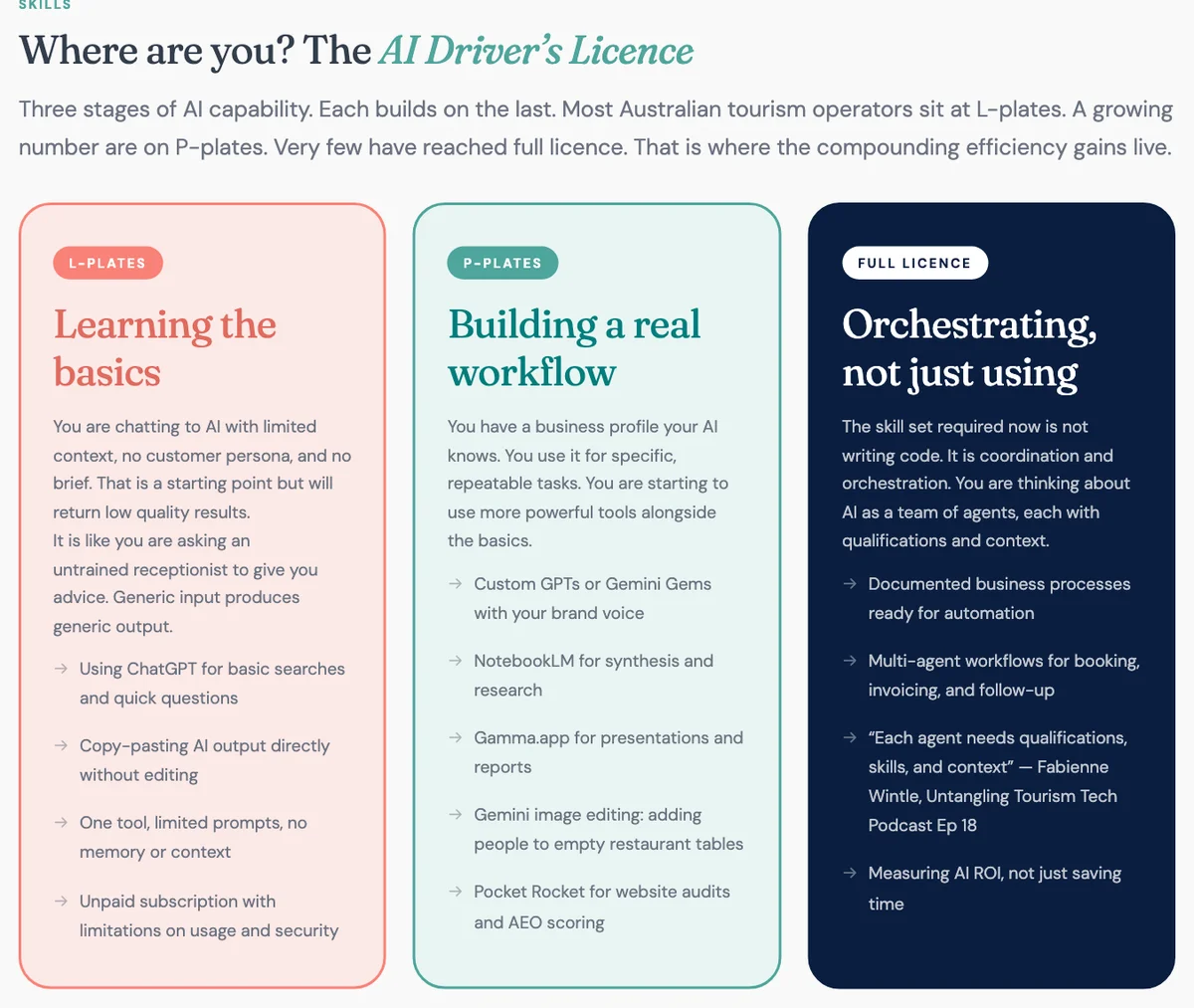
A staff member on L-plates gets a generic answer, decides AI is no good, and goes back to the old way. Nobody in the business knows enough to show them the next step.
Why does the owner have to learn AI first?
You won’t know what AI should do in your business until you’ve used it on your own work. You won’t see what the old way costs you either.
Here is what Fabienne told the operator in Episode 23:
“You have to learn it. You have to lead by example, because if you don’t, you’re not going to understand how much money they’re costing you and how inefficient it’s going to be in your business.”
She told the operator that more training for the staff member alone would waste their money. Once the owner and the staff member came along together, she’d give them tips. She told Liz the same in Episode 23: she won’t start helping until you’ve rolled up your sleeves and worked through it.
Liz Ward is the example. Fabienne challenged her to set up a personal AI agent without asking Fabienne for help. Liz had never built a website. Within ten days, talking to her agent, she had a workshop website and a weekly social media workflow.
Fabienne’s point about Liz: she knew exactly what good looked like. Liz has commissioned many websites. That’s the part an owner brings. You know your guests, your standards and your busiest week. AI does better work for someone who knows what good looks like and says so.
Episode 18 makes the same point about how Fabienne reached her full open licence: “Not watching TikToks about it. Actually doing it, failing, adjusting, and doing it again.”
Why doesn’t a training session change the habit?
AI isn’t software where somebody shows you which buttons to press. In Episode 23, Liz compares it to learning Excel with somebody beside you saying click this, then click that. Her verdict: “it is not that kind of software experience.”
You work with AI through a conversation. You describe what you want. You read what comes back. You tell it what it missed and go again. Liz puts it this way: “there’s nothing to get wrong. You just have to start and have the conversation back and forth.”
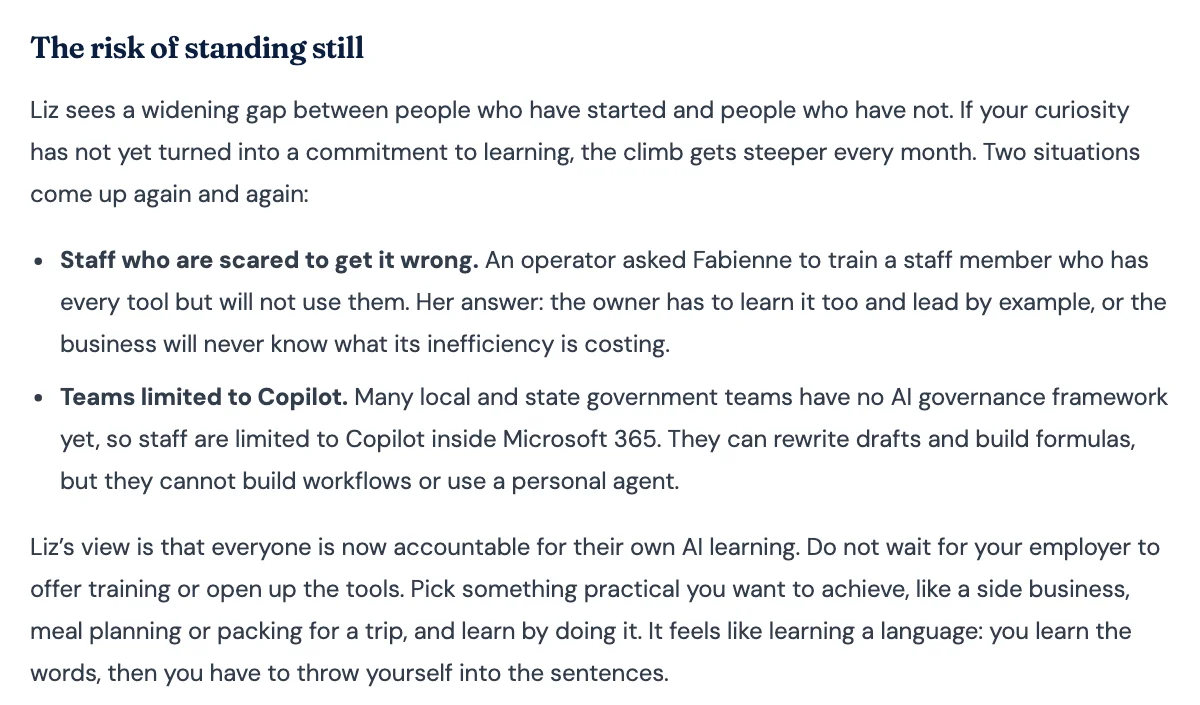
Fabienne compares it to learning a language. You learn the words, then you have to throw yourself into the sentences. Nobody learns to speak from a single lesson.
Training still has a place. Our course lesson on AI strategy says “A quick training session and some practice time can go a long way.” The order matters. A session helps once the owner and staff are already working on real jobs. A session on its own, for one nervous staff member, leaves them where they started. Group learning works too: our Tourism Tech Sessions are twice-monthly group coaching calls where operators share what worked.
How do you get your team using AI, step by step?
Pick one real job, learn it yourself, then hand it over with the context and a safe way to get it wrong. These six steps build on what we teach in our posts and Tourism Tech Sessions.
- Learn one job yourself first. Choose one repeat task you know well enough to judge, as our guide on how to choose AI tools recommends. A guest arrival email or answers to common guest questions both work. Use the tool you already pay for.
- Write the job down. Note what triggers the task, the output you need and the person who checks it. That note becomes the brief your staff member starts from.
- Hand over the context with the login. Give the AI your business facts, your tone and your source material. A short standing brief, such as an agents.md file, saves explaining your business every time. Our AI personal assistants session shows how. Fabienne syncs her folders through Dropbox so staff see the same files. Tell staff to press the microphone button and talk. Speaking gives the AI more context than typing, as the playbook explains.
- Make it safe to get wrong. Tell staff which AI tools they’re allowed to use. Tell them nothing goes out without a human check. Our course lesson lists the basics: know when human judgement is needed, and review outputs before sharing or publishing. When the output misses, they tell the AI what it missed and go again.
- Set up access safely. Share AI logins through a password manager’s shared vault. Staff use the account without seeing the password, and you remove access the day someone leaves. Hold off on letting AI send emails until you’ve thought through the permissions. Our guide to connecting AI safely covers both.
- Check in after two or three uses. Sit down together and ask whether the task got easier and what still needed fixing. Then pick the next job.
Hypothetical example. A cellar door manager answers wholesale enquiries every week, and a casual staff member is meant to help. The manager spends a fortnight drafting those replies with ChatGPT first, and saves the price list, tasting notes and tone rules in one project. Then the manager sits with the staff member and they draft the next reply together, out loud. The staff member drafts the replies after that. The manager reads each one before it goes out. After three weeks they look at what still needed fixing and add it to the brief.
The owner’s job doesn’t end at handover. You stay the person who knows what good looks like. Your staff learn from watching you get it wrong and fix it.
Frequently Asked Questions
How do I get my staff to use the AI tools we already pay for?
Learn the tools yourself on one real job, then work through that job with your staff. Write down the trigger, the output and who checks it, and give the AI your business context. Make it clear that nothing goes out without a human check, so getting it wrong costs nothing.
Should I pay for AI training for my staff?
Training helps once you and your staff are already using AI on real jobs. In Episode 23, Fabienne told an operator that more training for a staff member alone would waste their money while the owner stayed out of it. Learn alongside your staff, then use training to fill the gaps.
What if my staff are scared of getting AI wrong?
Fear of getting it wrong is one reason staff avoid AI, and a human check takes most of the risk away. Nothing the AI drafts goes out until someone has read it. As Liz Ward says in Episode 23, “there’s nothing to get wrong.” When the output misses, you tell the AI what it missed and try again.
Do my staff need to be technical to use AI tools?
No. Our AI in Tourism Playbook puts it plainly: “Curiosity is the only requirement. You do not need to be technical.” Liz Ward, who had never built a website, got one built in ten days by talking to her AI agent. What staff need is a clear job, your business context and permission to try.
How do I share an AI account with staff safely?
Share the login through a password manager’s shared vault. Your staff use the account without seeing the password, and you remove their access instantly when they leave. Hold off on letting AI send email until you’ve thought through what permissions it has.
Conclusion
Your staff will use AI when they see you use it on real work and know it’s safe to get wrong. Pick one job this week and learn it yourself. Then sit down with your team and do it together.
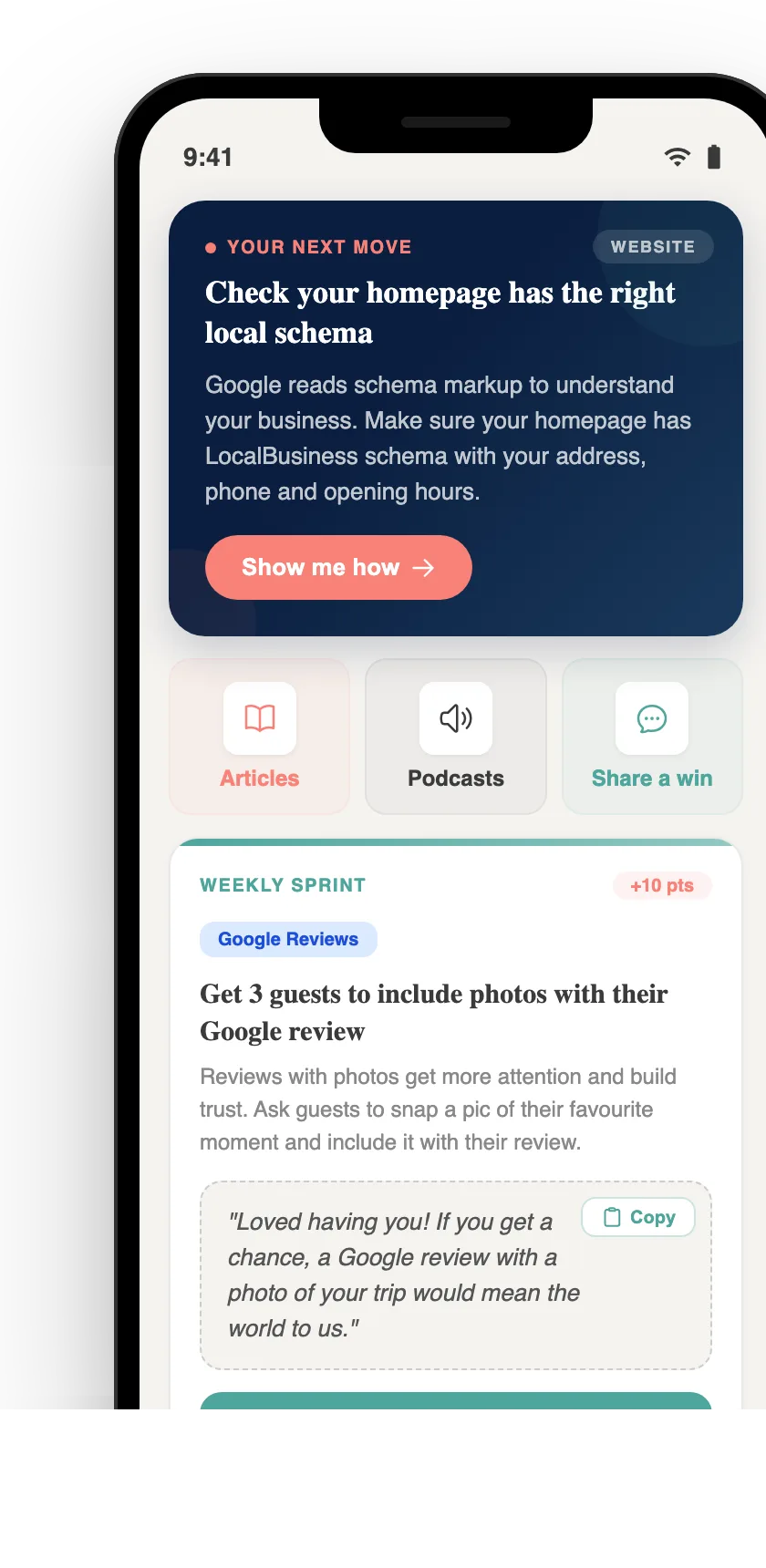
Your free AI marketing coach, right in your pocket
The free Pocket Rocket app gives you a personal AI marketing coach, website audit, weekly action plans and 5-minute tips. Built for tourism operators.