How do you set up ChatGPT so anyone on your team picks up a job where the last person left off? Give it a shared project and connect your existing Google Drive folders. Then tell it to finish every chat with a log entry and a next action. In our 24 November Tourism Tech Session, Fabienne Wintle built it live in ChatGPT and Google Drive. Her example was Local Adventures, a real Tourism Tribe business.
Jump to: Browser, not desktop | Project settings | Close the loop | Keep your work outside ChatGPT | Playbooks, five minutes at a time | Things to try this week
Watch the recording
Members will see the replay when logged in. Log in here.
What are Tourism Tech Sessions?
Our Tourism Tech Sessions are twice monthly group coaching calls designed to support AI Enablement Plan members, whether you’re a direct member or a participant of one of our tourism digital capability programs. These sessions provide a space to:
- Learn the latest developments in tourism tech
- Ask questions in a safe, supportive environment
- Hear real-life examples and get practical demos
- Get the confidence to implement what you’ve learned
If you’re not a member, this article will walk you through the key takeaways. Join an AI Enablement Plan to access future Tourism Tech Sessions and have an expert at your fingertips to ask your business-specific questions.
Set up shared projects in the browser, not the desktop app
Use ChatGPT in the browser for shared projects. On the day, the desktop app had a bug with shared projects, so Fabienne ran the whole demo at chatgpt.com.
She set up one ChatGPT project per business area, the same way your files already sit in folders. Local Adventures has three: Marketing, Business Planning and Finances.
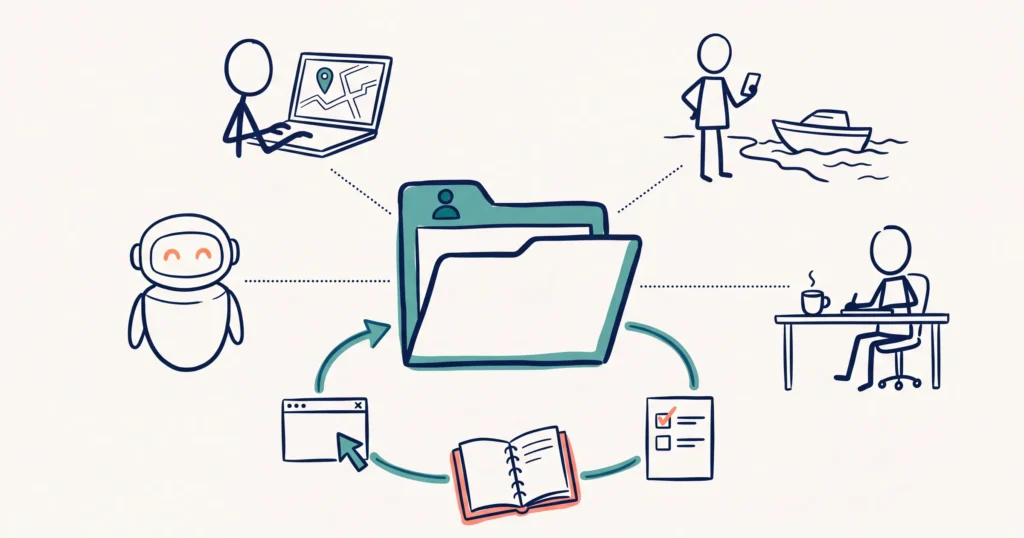
- Create the project online. A shared project shows a folder with a person on it. A plain folder means the project only lives on your computer.
- Share it like a Google Drive folder. Click Share and invite the team members who work in that area.
- Add your Drive folder as a source. Copy the folder’s address from Google Drive and add it under the project’s sources. Everyone in the project then works from the same files.
Working on your own? Set it up the same way and skip the sharing step.
Treat each chat like a browser tab. It is there to get one job done. Close it when the job is done, once the work has a home in your files.
Project settings are the AI’s standing instructions
ChatGPT reads the project settings before every chat in that project. They decide whether the set-up works.
Fabienne’s Local Adventures marketing settings tell the AI:
- to treat the latest brand brief and marketing plan as the source of truth, and say which version it used
- to write in practical Australian English and never invent prices or visitor details
- where everything lives: the session log, the change log, the marketing plan, the brand brief, the next actions sheet and the approved outputs folder
- to open the latest version of each file in Google Drive at the start of every chat
That last line came from a mistake. ChatGPT kept a cached copy of the Drive files from the day she connected them. It kept working from that copy after she changed the files. Expect to keep improving these instructions every time the AI gets something wrong.
If you work in Codex or Claude on your own computer, the same instructions sit in an AGENTS.md file. Our post on how to structure your AI projects and folders covers that set-up.
Close the loop: session log, change log and next action
Every chat ends by writing down what it did, so the next chat or the next person starts informed. Fabienne’s project settings ask for three things when the job is done or when she types “wrap up”:
- A session log entry. What happened in the chat and why. No human reads it. The next chat reads it before it starts work.
- A change log line. One line on what changed, such as “three new blog posts drafted”. Julia’s test: it answers “has this been done yet?”
- A next action. A row on the next actions sheet with the date, business area, task and owner. Fabienne’s rows go to her Google Tasks automatically.
Before it starts, the next chat reads the last three session log entries and the last five change log lines. It also checks the open rows on the next actions sheet.
In the live demo, Fabienne asked ChatGPT to review the Local Adventures blog. It worked through the Uncanny Automator plugin, which connects ChatGPT to the WordPress website. It found 12 posts, with only one published in the last 10 months, and wrote three new drafts. It also left them in the chat instead of saving them as WordPress drafts.
That is the loop in action. Find out why the AI did it, then change the instruction so the next chat saves its drafts in WordPress.
Your next actions list does not have to be a Google Sheet. Point it at the place your team already checks, such as Microsoft Planner, Google Tasks or your CRM.
Keep your work in your own files, not inside ChatGPT
Save the logs, plans and finished work in Google Drive or OneDrive, not in ChatGPT’s own spaces. If a better or cheaper AI tool turns up next month, your work moves with you.
Julia put it this way. Treat ChatGPT like a staff member. If that staff member leaves, you keep the files. The AI is the new team member, and the outputs are your business’s intellectual property.
Build playbooks five minutes at a time
A playbook is a short document on how your business does a repeated job, such as a sale campaign or a tender response. Without one, the AI falls back on general knowledge and guesses.
Don’t set aside a week to write them. Julia’s method: after a task you repeat, spend five minutes asking the AI to write a playbook from what you did. Next time, it starts from that playbook, you fix what it missed, and it updates the playbook.
Files scattered everywhere? Ask the AI to look through them and suggest a folder structure first. Fabienne built Tourism Tribe’s expression of interest playbook from 10 years of past responses, keeping only the ones that won.
Save playbooks as Markdown (.md) files. They are plain text, so the AI reads them faster and with fewer tokens than a Word document or PDF.
Members: the set-up guide, the project instructions file and an example next actions sheet from this session are in Member resources on your dashboard.
Things to try this week
- Pick one business area and create a ChatGPT project for it in the browser, such as Marketing.
- Connect the matching Google Drive or OneDrive folder as a source in that project.
- Write the project settings. List where your brand brief, plan, logs and next actions live. Add “use the latest version of each file”.
- Add a wrap-up rule: every chat ends with a session log entry, a change log line and a next action with an owner.
- Close today’s chats once each one’s work has a home in your files.
- Spend five minutes after your next repeated task turning it into a playbook.
How do I share a ChatGPT project with my team?
Create the project in ChatGPT in the browser. Click Share and invite your team members, as you would share a Google Drive folder. A shared project shows a folder with a person on it in the sidebar. In our 24 November 2026 session, the desktop app had a bug with shared projects, so we set them up at chatgpt.com.
What should go in ChatGPT project settings for a tourism business?
Tell the AI which documents are the source of truth, such as your brand brief and marketing plan. List where your session log, change log, next actions list and approved work live. Ask it to open the latest version of each file at the start of every chat. Then ask it to end every chat with a log entry and a next action.
What is the difference between a change log and a session log?
A change log is one line per change, such as three new blog posts drafted, so anyone sees what is done. A session log records what happened in a chat and why decisions were made. The next AI chat reads both before it starts, so it picks up where the last one stopped.
Why keep AI work in Google Drive instead of inside ChatGPT?
Your plans, logs and finished work are your business’s intellectual property. Kept in Google Drive or OneDrive, they move with you if you switch AI tools. Every team member and every AI tool reads the same files.
How do I build an AI playbook for my tourism business?
After a task you repeat, such as a newsletter, ask the AI to write a playbook from what you did. Save it as a Markdown file in the matching folder. Each time you use it, fix what the AI missed and ask it to update the playbook.
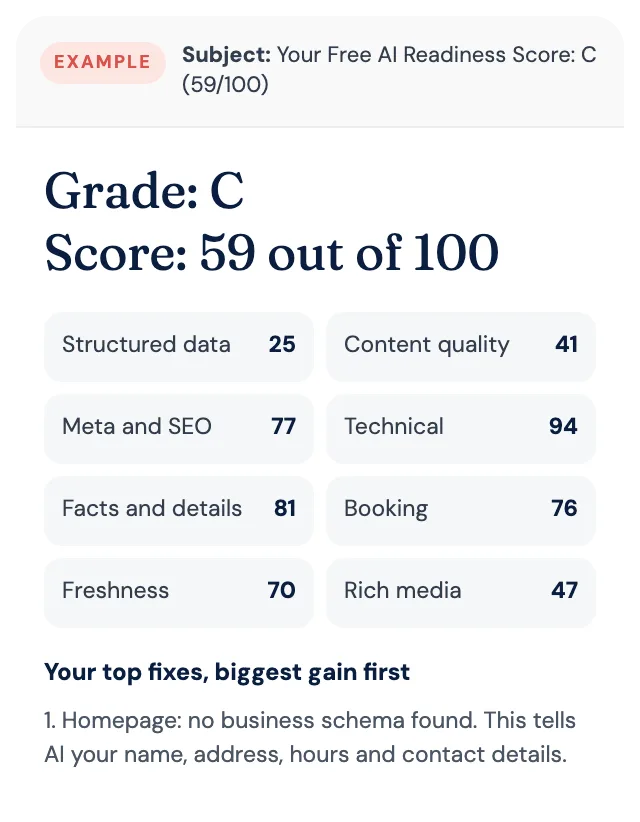
Free AI Readiness Score
How well does AI read your website?
Get your grade, a score out of 100 and your top fixes, by email. Free for tourism operators. No login and nothing to install.