
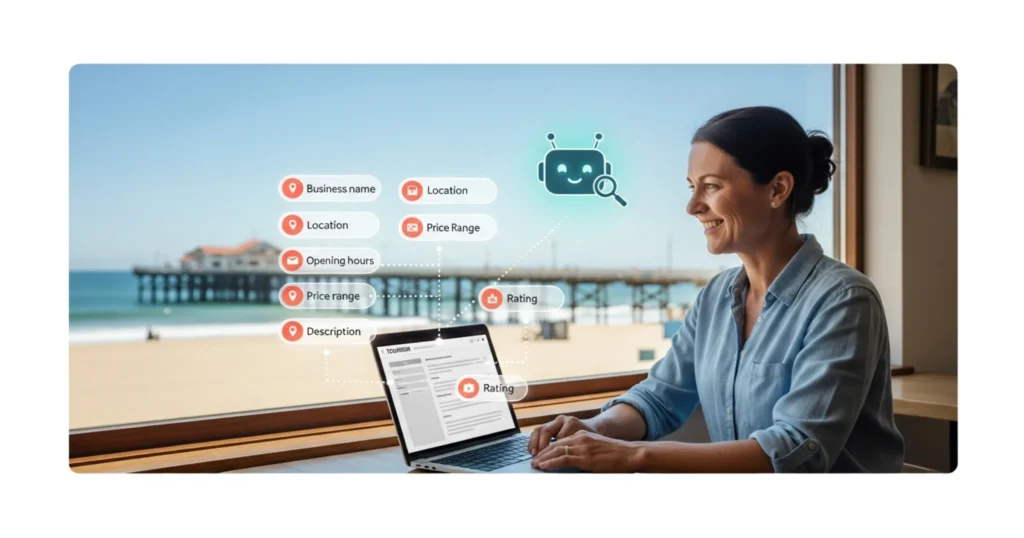
Schema markup is hidden code that tells AI agents exactly what your tourism business offers, where it is, and what it costs. Without it, AI tools skip your website entirely. In this Tourism Tech Session, Fabienne Wintle walked through how to check your current schema, generate the right markup for your business type, and start digitising your expert knowledge so AI tools have the context they need to represent your business accurately.
Quick links
- Watch the recording
- What are Tourism Tech Sessions?
- Why AI agents need schema markup
- How to check your current schema
- Digitise your business knowledge for AI
- Why markdown files beat PDFs for AI
- Things to try this week
Watch the recording
Members will see the replay when logged in. Log in here.
What are Tourism Tech Sessions?
Our Tourism Tech Sessions are twice monthly group coaching calls designed to support AI Enablement Plan members, whether you’re a direct member or a participant of one of our tourism digital capability programs. These sessions provide a space to:
- Learn the latest developments in tourism tech
- Ask questions in a safe, supportive environment
- Hear real-life examples and get practical demos
- Get the confidence to implement what you’ve learned
If you’re not a member, this article will walk you through the key takeaways. Join an AI Enablement Plan to access future Tourism Tech Sessions and have an expert at your fingertips to ask your business-specific questions.
Why AI agents need schema markup on your website
Around 30% of web traffic to some tourism businesses now comes from AI agents rather than humans typing into Google. ChatGPT, Perplexity, Google AI Overviews. These tools send bots to read your website before recommending your business to a traveller.
The problem: bots read differently to humans. A person sees your hero image, your tagline, your pricing table. A bot sees raw HTML and tries to make sense of it. Schema markup is the shortcut. It sits in the hidden “head” section of your website and acts like an executive summary for machines. Price, location, duration, opening hours, review ratings. All structured so an AI agent gets the answer in seconds without parsing every paragraph.
Fabienne described it as a “digital barcode” for your website. Without it, AI agents have to guess. With it, they get your data right the first time and are more likely to recommend you. Being machine-readable is also what gets you into Google’s new Universal Cart: if an agent cannot read your prices and availability, it has nothing to add to a traveller’s basket.
How to check your current schema
Fabienne demonstrated a free browser extension called SEO Pro Extension by Marketing Syrup. Install it in Chrome, visit your own website, and it shows you exactly what schema markup is (or isn’t) on each page.
Two types of schema matter most for tourism businesses:
- Local Schema (LocalBusiness) identifies your physical presence and connects your social profiles via “SameAs” links to Facebook, Instagram, TripAdvisor, and Google Business Profile. This tells AI agents that all those profiles belong to the same business.
- Product Schema lets Google and AI agents show rich snippets in search results: star ratings, prices, availability. If you sell tours, experiences, or accommodation, this is what makes your listing stand out.
If you’re on WordPress with RankMath, most of this is handled dynamically through the plugin settings. If you’re on Wix or Squarespace, you may need to paste AI-generated schema code directly into your page settings. Fabienne warned against using Microsoft Copilot for generating schema. It often gets the structure wrong because it lacks the technical context. Use Claude or ChatGPT instead, and tell the AI to ask you questions about your business before generating any code.
Digitise your business knowledge for AI
Schema gets the bots to your website. For context on what Google itself says operators actually need for AI search visibility (including several steps many assume are required that are not), see Google’s AI optimisation guide for tourism operators. But the bigger shift Fabienne covered is what she called the “iceberg principle.” Most operators use AI for the visible tip: writing emails, generating social posts, asking ChatGPT a question. The real value sits below the waterline. That’s where AI becomes a “second brain” that knows your business as well as you do.
For that to work, the AI needs your context. Not generic tourism advice. Your pricing logic, your booking patterns, the way you explain your product to a wholesale buyer, the questions guests ask at check-in.
The practical step: start recording your business interactions. Fabienne suggested recording phone calls with leads (with consent), wholesale meetings, and site inspections. A 15-minute recording transcribed into text gives AI the raw material to draft FAQs, email responses, and marketing copy in your actual voice.
Heather Watkins from Carawirry Forest Escape shared how she uses Otter.ai to record face-to-face meetings with potential event bookers. The transcript goes into a custom GPT that’s been trained on her brand voice and operating procedures. When someone enquires, the AI drafts a response that sounds like her.
Other tools mentioned: Granola for meeting notes, and simply putting a phone on speaker during a Google Meet call to capture audio for transcription.
Why markdown files beat PDFs for AI
If you’ve ever uploaded a PDF to ChatGPT or Claude, you’ve burned through tokens fast. Fabienne explained that a complex PDF costs thousands of tokens to parse. The same information in a markdown (.md) text file might cost 20 tokens.
Julia Retson shared that she once exhausted a full day’s usage on a Claude $20 plan within 15 minutes because of heavy PDF processing.
The fix: after every AI conversation, save the key output as a markdown file in a dedicated folder. Build a library of these over time. When you start a new conversation, you upload the relevant files instead of explaining everything from scratch. This is how you build context without wasting your subscription.
Karin Notaro raised another issue: sharing a ChatGPT account with a partner. The AI confuses their identities and gives inconsistent answers. Fabienne’s fix was to create separate markdown files for each person, or set up a Custom GPT with explicit user profiles so the AI knows who it’s talking to.
Things to try this week
- Install the SEO Pro Extension by Marketing Syrup in Chrome and check what schema markup your website currently has. Look for LocalBusiness and Product schema.
- Run the Tourism Tribe AI readiness audit to see how AI-visible your business is right now. The link is in the chat notes from the session.
- Record one business conversation this week. A phone call with a lead, a supplier meeting, a walkthrough of your property. Transcribe it using Otter.ai or Google Meet and save the text.
- Convert one PDF to markdown. Take your most-used business document (menu, rate card, info pack) and paste the content into a plain text file saved as .md. Upload that instead of the PDF next time you use AI.
- Check your Google Business Profile. Make sure your business name, address, categories, and opening hours match what’s on your website. AI cross-references these.
Want to get your tourism business more visible online?
Schema markup and AI readiness are the starting point. Getting your business properly structured so AI agents recommend you takes specific, personalised work. Tourism Tribe offers three ways to help:
- GEO Assessment: find out how visible your business is to AI tools right now
- Digital Direction Plan: a personalised roadmap for your digital and AI strategy
- AI Enablement Plans: ongoing access to Tourism Tech Sessions, tools, and hands-on support
What is schema markup and why does my tourism business need it?
Schema markup is hidden code in your website that tells search engines and AI agents what your business offers. It includes structured data like your business name, location, prices, opening hours, and review ratings. Without it, AI tools have to guess what your website is about. With schema, they get accurate information immediately and are more likely to recommend your business to travellers.
How do I check if my website has schema markup?
Install the free SEO Pro Extension by Marketing Syrup in Chrome. Visit your website and the extension will show you what schema is present on each page. Look for LocalBusiness schema (your address, phone, social profiles) and Product schema (prices, ratings, availability). If neither appears, your website is harder for AI agents to read.
Which types of schema matter most for tourism businesses?
LocalBusiness schema and Product schema. LocalBusiness identifies your physical location and links your social profiles (Facebook, Instagram, TripAdvisor, Google Business Profile) so AI knows they all belong to the same business. Product schema shows prices, ratings, and availability in search results. If you run tours, experiences, or accommodation, both types are important.
How do I add schema markup if I use Wix or Squarespace?
WordPress with RankMath handles most schema automatically. On Wix or Squarespace, you may need to generate the schema code using an AI tool like Claude or ChatGPT, then paste it into your page settings. Tell the AI your business type, location, and what you sell, and ask it to generate the correct schema. Avoid using Microsoft Copilot for this task as it often gets the technical structure wrong.
Why should I save AI outputs as markdown files instead of PDFs?
PDFs cost thousands of AI tokens to process because the model has to parse complex formatting. A markdown text file with the same content might cost 20 tokens. Saving your AI outputs and business documents as .md files builds a lightweight knowledge library you can upload to any AI tool without burning through your subscription limits.
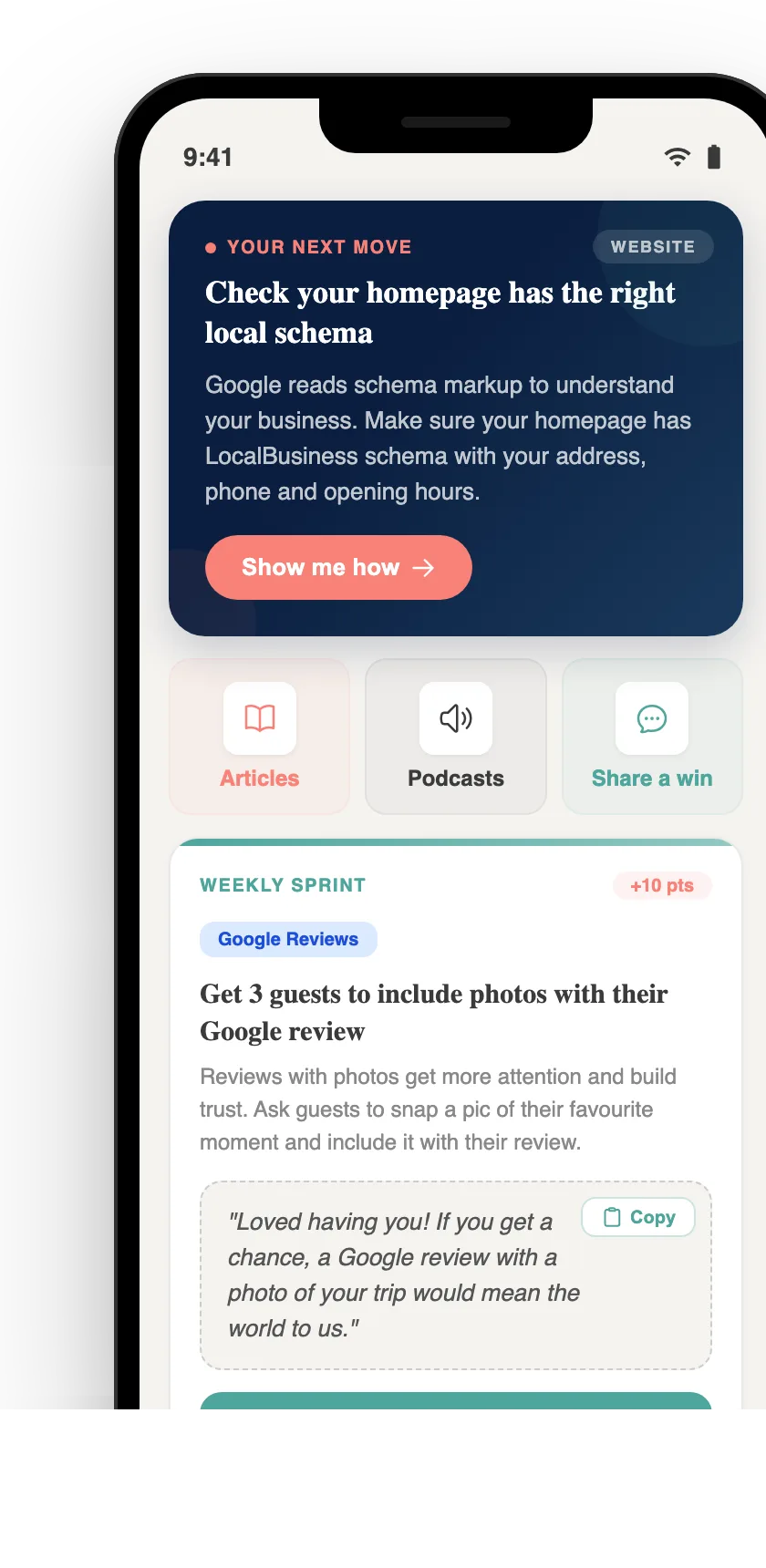
Your free AI marketing coach, right in your pocket
The free Pocket Rocket app gives you a personal AI marketing coach, website audit, weekly action plans and 5-minute tips. Built for tourism operators.