
Tourism Tribe product
AI as a Business OS: The No-Code Workspace
This is the working layer. The lessons in this course cover the tools most tourism operators will use every day once they get past the basics.
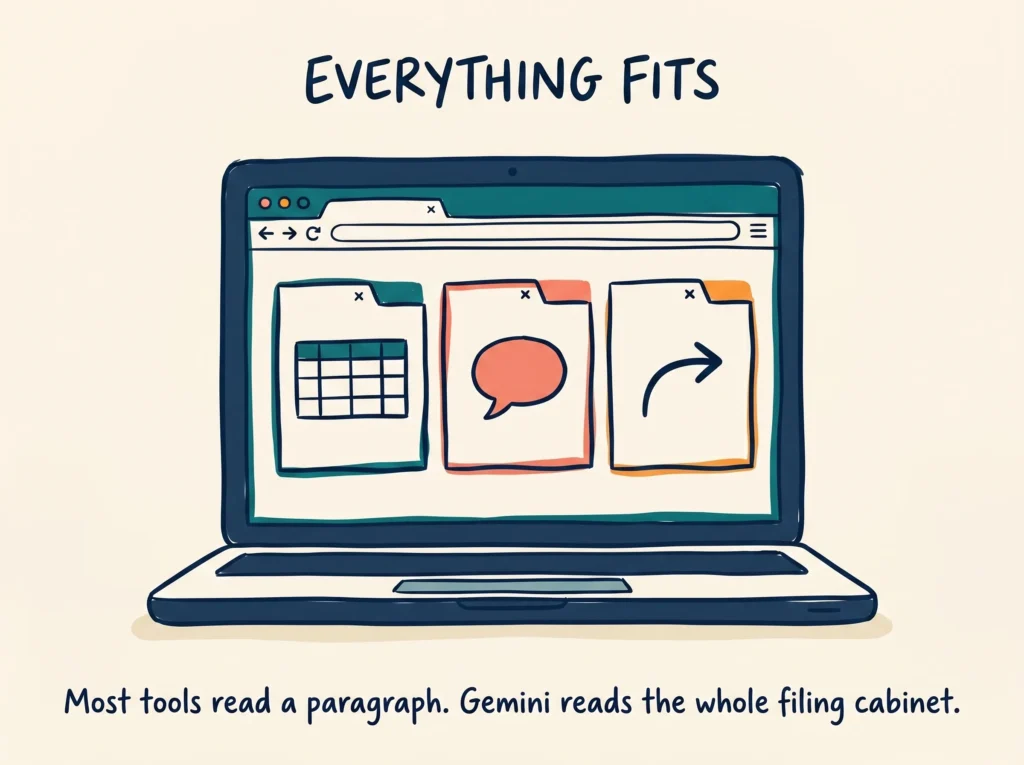
You start with Google Gemini and its unusually large context window, which lets you feed in years of operational data in a single pass. Then Google’s live Drive integration, custom GPTs for externalising your business knowledge, and a complete document blueprint method that stops AI from producing generic output.
The last two lessons cover session discipline and Claude Cowork. Session discipline is the most underrated habit in AI work. Cowork sits between the chat interface and the full terminal, and it is the right starting point for building your first agentic workflows.
Six lessons. A computer and a browser are all you need.
The practical no-code toolkit for tourism operators. Six lessons covering Gemini for large-scale data work, custom GPTs for moving playbooks out of your head, the document blueprint method, session discipline, and Claude Cowork. A computer and a browser are all you need.
What you will achieve
Outcomes
- Use Google Gemini’s large context window to process years of operational data in one pass
- Build custom GPTs that externalise the knowledge currently stuck in your head
- Apply the document blueprint method to stop AI producing generic output
- Run your first agentic workflow with Claude Cowork
Inside the course
Lessons in this course
Course Outline
- Google Gemini and the massive context window
- The live workspace: connecting to Google Drive and Workspace
- OpenAI Custom GPTs: moving playbooks out of your head
- The document blueprint: killing generic AI output
- One window, one job: the discipline of session hygiene
- Cowork: the middle door between chat and the terminal
Common questions
Frequently asked questions
Which AI tools does the No-Code Workspace course cover?
Google Gemini for working with large amounts of operational data, the live Drive and Workspace integration, OpenAI Custom GPTs for moving playbooks out of your head, the document blueprint method for stopping generic AI output, and Claude Cowork as the middle door between chat and the terminal. All browser-based.
Do I need any software or a developer setup?
No. A computer and a browser are all you need. The course is deliberately built around no-code tools so any operator can complete it. The terminal-based work sits in Course 3.
Should I do Foundations before this course?
We recommend it. Foundations gives you the frame for why these tools exist and how the ecosystems differ. Without that context, the choices in this course can feel arbitrary. If you have already done your own reading on the AI landscape, you can start here.
What is the document blueprint method?
A practical technique for feeding AI tools the right structure and source material so the output reflects your business rather than generic best practice. Lesson four covers it in full, including a working template you can adapt to your own operations.
Ready to get started?
Purchase now and take the next step for your tourism business.
Add to cart$75.00 inc. GST. 100% satisfaction guarantee.