
Is Your Tourism Business Crisis-Ready? 7 Digital Essentials to Prepare Before the Next Disaster
December 11, 2025
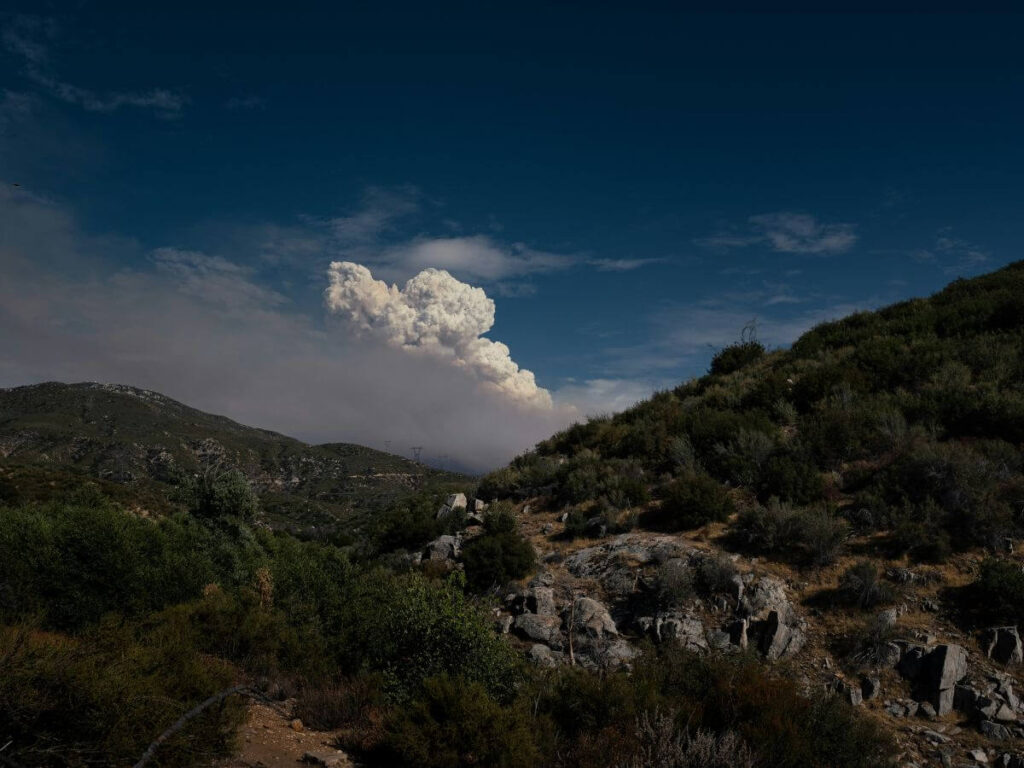
Fires, floods, cyclones, storms and even tech failures are no longer rare events for the tourism industry. They are part of the operating landscape now. The difference between businesses that recover quickly and those that spiral isn’t luck. It’s preparation that leads to a tourism business being more resilient and future-ready.
This article is not about what to do during a disaster or after one. Those are covered in our crisis communication and recovery guides. If you are currently in a crisis, head here for immediate steps to action. This article is about what every tourism business should quietly and calmly have in place before anything happens at all. Because when it does hit, there is no time to build systems. You only have time to use what you already have.
What every tourism business must have in place before the next disaster hits
⏯️ If you are a Tourism Tribe member, login to watch a recording of our Tourism Tech Session about this topic. Tourism Tech Sessions are twice-monthly group support coaching calls where we go over tourism tech topics to support our Digital Assistance members to stay up to date with the latest in tourism tech developments and provide actionable insights to improve their digital presence. Learn more about Digital Assistance Plans here.
Without further ado, here is a list of 7 digital essentials you need to have BEFORE the next disaster hits:
1. A live, editable website that YOU control
If you rely on a developer every single time you want to make a small content update to your website, then your website is not a tool you can use in a crisis. It becomes a bottleneck stopping you from effectively communicating with your customers.
In an emergency or recovery phase, you need to be able to add display banners, alerts and updates to your website instantly. The vast majority of guests will look for answers there first, before they call you, email you or check social media.
If your site cannot be updated in real time, you risk:
- Unnecessary cancellations
- Repeated panicked enquiries
- Loss of trust
- Conflicting information across channels
Your website is your digital front door in a crisis. Make sure you know how to update it!
2. Direct access to your customer data
If you cannot directly contact your upcoming guests, you will not be able to control your recovery.
You should always know:
- Where upcoming bookings are stored
- How to export guest contact details
- Whether you can email or SMS from your booking system
- Who has permission to send messages
Operators who rely entirely on third-party platforms for guest communication are always the last to get the truth to their customers. By then, fear and media beat-up has already done the damage.
Data access is not a marketing luxury. It is a crisis survival tool.
3. Real-time communication channels
Your communication channels are not just for promotions. In a disaster, they become your emergency broadcast system.
This includes:
- Your email marketing system
- Your Facebook, Instagram and TikTok profiles
- Your Google Business Profile
- Your SMS platform if you use one
If these channels were dormant and out of date when a crisis hits, audiences will not suddenly trust them, so maintaining up to date profiles and regular, consistent communication during normal operations – long before any disaster happens builds the credibility that will protect your business when a disaster hits.
4. Visual proof of reality
Current and real visual content is vital to assure visitors of the true situation. For example, short videos, live images, staff on site, guests participating in tours, cafés serving food, beaches open, rain clearing, roads operating. When people see people – this is what resets fear faster than any written statement.
During and after disasters, written statements are not enough. People want to see what conditions are actually like.
Businesses who already have the habit of regularly capturing short visual content will be able to:
- Rebuild confidence faster
- Reduce misinformation
- Restore enquiries sooner
- Experience quicker booking recovery
Businesses who don’t show live visual content will always recover slower because in the absence of live visuals like images or videos, your customers only have their imaginations and the latest media coverage to rely on, and unfortunately media defaults to the negative in these situations.
5. Passwords, systems and access sorted
This is one of the most common digital failures during a crisis, and it’s one that can be so simply averted ahead of time.
If only one person has access to:
- Your website
- Your email marketing system
- Your social media accounts
- Your booking system
and that person is unavailable, evacuated, sick or overseas during a crisis then your business will be locked out of its own communication channels when it needs them most.
Every tourism business should have:
- Secure, shared access to critical systems
- A clear handover process
- A backup person authorised to act
This ensures your business’s operational continuity no matter what the situation.
6. Relationships with your local tourism organisation, council and region
Tourism recovery is never a solo effort after a natural disaster that hits a region. The fastest recoveries will always happen in regions where:
- Operators share updates
- Messages are consistent
- The destination speaks with one voice
- Information flows both ways
If your business does not actively engage with your local tourism organisation, visitor centre or council during calm periods, those relationships will not magically appear during a crisis.
Strong regional relationships accelerate:
- Accurate messaging
- Shared recovery campaigns
- Media coordination
- Visitor confidence
So start making those connections today.
7. A basic crisis communication structure
This is what you should have ready so the hard thinking has been done ahead of time. And it is where most tourism businesses are dangerously exposed.
You do not need a sixty-page crisis manual sitting on the shelf. But you do need a basic structure that answers five simple questions:
- Who is responsible for communication during a crisis?
- Which channels need to be updated?
- How often do updates need to occur?
- Who speaks to media?
- Who communicates directly with guests?
- Who are your backup communicators in case that person is unavailable?
Without this structure, businesses often either go silent or react emotionally. Both can cost bookings unnecessarily.
So now is the time to develop a crisis communication plan that lists what needs to happen and who should complete these steps during a crisis. And once written, all staff need to be aware of how to access it and what their responsibilities are in case of a crisis.
This is exactly what is covered inside our Crisis Management and Communication Course included in our Digital Assistance Plans.
Don’t wait until the fire is already raging or the floodwaters are just around the corner. If you’re a Tourism Tribe member, login, navigate to your courses and get started on the Crisis Management and Communication Course – even a partially complete Crisis Plan will be better than nothing when it all hits the fan.
Not a member? Sign up today to gain access and get started.
Are you a local council or regional tourism organisation? Read more about how your region would benefit from a regional business resilience program.
7 quick things you can do this week to get started
- Log in to your website and check that you can add a banner or an alert. If you can’t do it without a developer, you’ve found your first risk – start working towards gaining this ability.
- Export one list of upcoming guest bookings and confirm you can contact them directly. If your booking system won’t let you do this easily, that’s a red flag. How will you work around this to find a solution?
- Post one simple update on your main social channel this week. It keeps your channel active so people trust it when it really matters.
- Take three real photos or a short video of your business as it is today. These become your “proof of reality” assets in a crisis. Save them somewhere you’ll be able to access if a disaster hits (think on the cloud, not on a specific device that call be broken, lost or ruined.
- List every login you would need in a disaster. Website, email, socials, booking system, Google Business Profile. Then check who actually has access.
- Touch base with your LTO, visitor centre or council contact. Even a quick email now makes coordination much smoother later.
- Then get started on your full crisis management and communication plan – head to our Crisis communication course to get walked through this process. This is where you lock in who does what, how you communicate, and what happens at each stage.
FAQs
What does crisis preparedness actually mean for a tourism business?
It means your digital systems, access, data and communication channels are ready before anything goes wrong. You can update your website, reach your guests, post updates and access your platforms without delay if a crisis hits.
Do small tourism businesses really need to plan for a crisis?
Small businesses actually need this more than anyone. With fewer staff, fewer systems and tighter cashflow, one week of confusion or silence can have long-lasting financial impact. Preparing ahead of time will reduce stress, protect income and ensure your business’s recovery is as speedy as possible.
Is crisis preparedness only for businesses in fire or flood zones?
No. Every tourism business can exposed to disruption. It could be a major weather event like fire, flood, or cyclone, it could also be from power outages, cyber attacks, water supply issues or human caused events that scare travellers away. If your business relies on bookings and visitor confidence you have to be prepared when the unexpected happens or your recovery will take much longer than necessary.
Isn’t a crisis communication plan overkill if I’ve never been through a disaster?
That’s exactly what most operators say right up until the day it happens. You don’t need a 60 page manual, just a simple plan stating who is in charge of what. And then make sure they’ll be able to access the platforms they’ll need if your laptop ends up in the drink. Preparedness doesn’t mean panic. It means thinking ahead so that during a crisis you make clearer decisions and have a faster recovery.
What’s the difference between crisis preparedness and crisis communication?
Preparedness is what you set up before a crisis. Crisis communication is what you do during it. One makes the other calm, fast and consistent instead of stressful and reactive.

Pocket Rocket App — Free
Your free AI marketing coach, right in your pocket
The free Pocket Rocket app gives you a personal AI marketing coach, website audit, weekly action plans and 5-minute tips. Built for tourism operators.