

In this Tourism Tech Session, Fabienne demonstrated how small tourism businesses can use free Google AI tools to generate professional lifestyle product photos, AI twins, and short talking head videos without a photographer or video crew. The session covered Gemini by Google, SynthID, Google AI Studio, and Google Vids, all available at no cost with a standard Google account.
Quick links
- Watch the recording
- What are Tourism Tech Sessions?
- How to generate lifestyle product shots using Gemini
- AI image watermarking and what to disclose
- How to create an AI twin for your online content
- How to build your own image generation tool
- How to create a talking head video from a photo
- Things to try this week
Watch the recording
Members will see the replay when logged in. Log in here.
What are Tourism Tech Sessions?
Our Tourism Tech Sessions are twice monthly group coaching calls designed to support AI Enablement Plan members, whether you’re a direct member or a participant of one of our tourism digital capability programs. These sessions provide a space to:
- Learn the latest developments in tourism tech
- Ask questions in a safe, supportive environment
- Hear real-life examples and get practical demos
- Get the confidence to implement what you’ve learned
If you’re not a member, this article will walk you through the key takeaways. Join an AI Enablement Plan to access future Tourism Tech Sessions and have an expert at your fingertips to ask your business-specific questions.
How to generate lifestyle product shots using Gemini
Gemini by Google can take a plain product photo and place it on an AI-generated model in a setting that matches your brand, with no photographer required. Fabienne demonstrated this live with a cap from Katherine Outback Experience. She uploaded the photo, asked Gemini to place the cap on a woman’s head for an online shop, and told it to research the Tom Curtain brand to understand the target market.
Gemini read the logo on the cap, identified the brand’s connection to horses and the Australian outback, and generated a lifestyle photo placing the model in that exact setting. The result was indistinguishable from a professional product shot. Gemini documented its own reasoning: it identified the product as belonging to Katherine Outback Experience, chose a woman in her mid-thirties as the subject, and evaluated whether the outback location met the brief before finalising the image.
To do this for your business: upload your product image, describe the type of customer you want shown wearing or using it, and give Gemini your brand name so it can research the context. Ask for variations in different settings or demographics and Gemini will generate new versions on request.
AI image watermarking and what to disclose
Images generated by Gemini carry a watermark from SynthID, Google’s AI detection tool. A small gem icon appears on the image to indicate it was AI-generated. Cropping the image does not remove the watermark, because the detection data is embedded in the image file itself, not just the visible surface.
Fabienne recommends declaring AI image use in your website’s terms and conditions. When AI crawlers index your site, they can read your terms and conditions and see you are transparently disclosing AI use. That is a better position than having AI tools detect undisclosed AI images and flag your content as potentially misleading.
For print use, images from Gemini are typically large enough resolution to suit most web and social media applications. For higher-quality print, run the file through an AI upscaler like Topaz to increase resolution before sending it to the printer. AI upscalers can restore fine detail without the pixelation you get when stretching a traditional low-resolution image.
How to create an AI twin for your online content
An AI twin is an AI-generated version of your likeness you can use for content, social media, and customer-facing communications. Fabienne demonstrated generating AI twin versions from a single headshot using Gemini, then showed how Google Vids takes the concept further.
Google Vids, which uses the VO3.1 video model, takes a still photo and generates a short animated video of that person appearing to speak. Fabienne created an 8-second welcome message for a Tourism Tribe training session using one photo. The mouth moved, the voice was AI-generated, and the result was convincing enough that someone unfamiliar with her would not know it was AI-generated.
For voice that matches your actual voice, 11 Labs is the specialist tool. It needs around two hours of your recorded voice to build a convincing clone. For short-form content where voice accuracy is less critical, Google Vids handles the whole thing from a single photo and a typed script.
How to build your own image generation tool
Google AI Studio lets you build custom AI image applications by describing what you want in plain language, with no coding required. Fabienne demonstrated building a batch AI twin generator in the Studio. She described the tool she wanted, and Google AI Studio generated the application, identified its own errors, fixed them, and produced a working interface within minutes.
For tourism businesses, practical uses include batch-processing all your shop product photos to generate lifestyle versions in one go, or building a reusable image enhancement tool you can return to without starting from scratch in Gemini each time.
Google AI Studio is free to access at aistudio.google.com. Advanced image generation uses Google’s Imagen model (referred to in the session by its internal codename, Nano Bananas) and may require a paid API key for high-volume use. The basic Studio environment and playground are free.
How to create a talking head video from a photo
Google Vids is Google’s video creation tool, comparable to Loom. The AI animation feature takes a still photo and generates a short video of that person appearing to speak, using the VO3.1 video model. You type the script, upload the photo, and the tool generates the clip without filming.
Fabienne created an 8-second welcome video from a single photo, dragged in from her downloads folder with no resolution changes required. Google Vids does not animate the head moving side to side, which keeps the result looking natural. The voice is AI-generated from the typed script, not from a recording of the person speaking.
Tourism businesses can use this for Google Business Profile welcome videos, short social content from a headshot, and program or membership welcome messages. All you need is a clear, well-lit photo and a standard Google account.
Things to try this week
- Upload a product photo to Gemini and ask it to place the product on a model in a setting that matches your target market. Include your brand name so Gemini can research the context.
- Check an existing image with SynthID by uploading it to Gemini and asking whether the image contains AI watermarking.
- Add an AI disclosure line to your website’s terms and conditions if you use or plan to use AI-generated images.
- Open Google AI Studio at aistudio.google.com and browse the gallery of pre-built tools to see what already exists.
- Upload a headshot to Google Vids and create a short welcome or introduction video from a still photo.
- Search TikTok for “AI image generation” to stay across new tools and techniques without spending hours on active research.
Want to get your tourism business more visible online?
AI image generation puts professional product photography and video content within reach of every tourism business, regardless of budget. Tourism Tribe offers three ways to help:
- GEO Assessment: find out how visible your business is to AI tools right now
- Digital Direction Plan: a personalised roadmap for your digital and AI strategy
- AI Enablement Plans: ongoing access to Tourism Tech Sessions, tools, and hands-on support
Can I use AI-generated images legally in my tourism business?
Placing your own product on an AI-generated model is legally acceptable and common in e-commerce. The AI generates a new image rather than using a real person’s likeness without permission. The legal landscape around AI-generated content is still developing, so Tourism Tribe recommends declaring your use of AI images in your website’s terms and conditions to maintain transparency with customers and search engines.
How do I detect if an image is AI-generated?
Google’s SynthID tool detects AI-generated images by reading watermark data embedded in the image file. Images created by Gemini by Google display a small gem icon. You can upload any image to Gemini and ask whether it contains AI watermarking. Cropping or editing an image does not remove SynthID watermarks, because the detection data is embedded below the visual layer.
Is Gemini by Google free to use for image generation?
Yes, Gemini is free to access with a standard Google account at gemini.google.com. Image generation using Gemini’s standard models is included at no cost. Building a custom batch image generation app in Google AI Studio using the Imagen model may require a paid API key that charges per image at scale.
What is an AI twin and how can tourism businesses use one?
An AI twin is an AI-generated version of your likeness that looks like you but was created entirely by artificial intelligence. Tourism businesses can use AI twins for short introduction videos, social media content, and customer-facing welcome messages without filming themselves. Google Vids can animate a still photo into a talking head video, and 11 Labs can clone your voice to add personalised narration once it has around two hours of your recorded audio.
Do I need coding skills to use Google AI Studio?
No. Google AI Studio lets you build custom AI tools by describing what you want in plain language. The tool generates the application, identifies its own errors, and fixes them automatically. You can publish and use the resulting app with no technical background. Fabienne demonstrated building a working image generation app in the session without writing any code.
How do I make AI-generated images print-ready?
Images from Gemini are typically around 600 pixels, which suits web and social media use. For print, run the file through an AI upscaler like Topaz to increase the resolution before sending it to the printer. AI upscalers can significantly boost image quality without the pixelation you’d see when stretching a traditional low-resolution file.
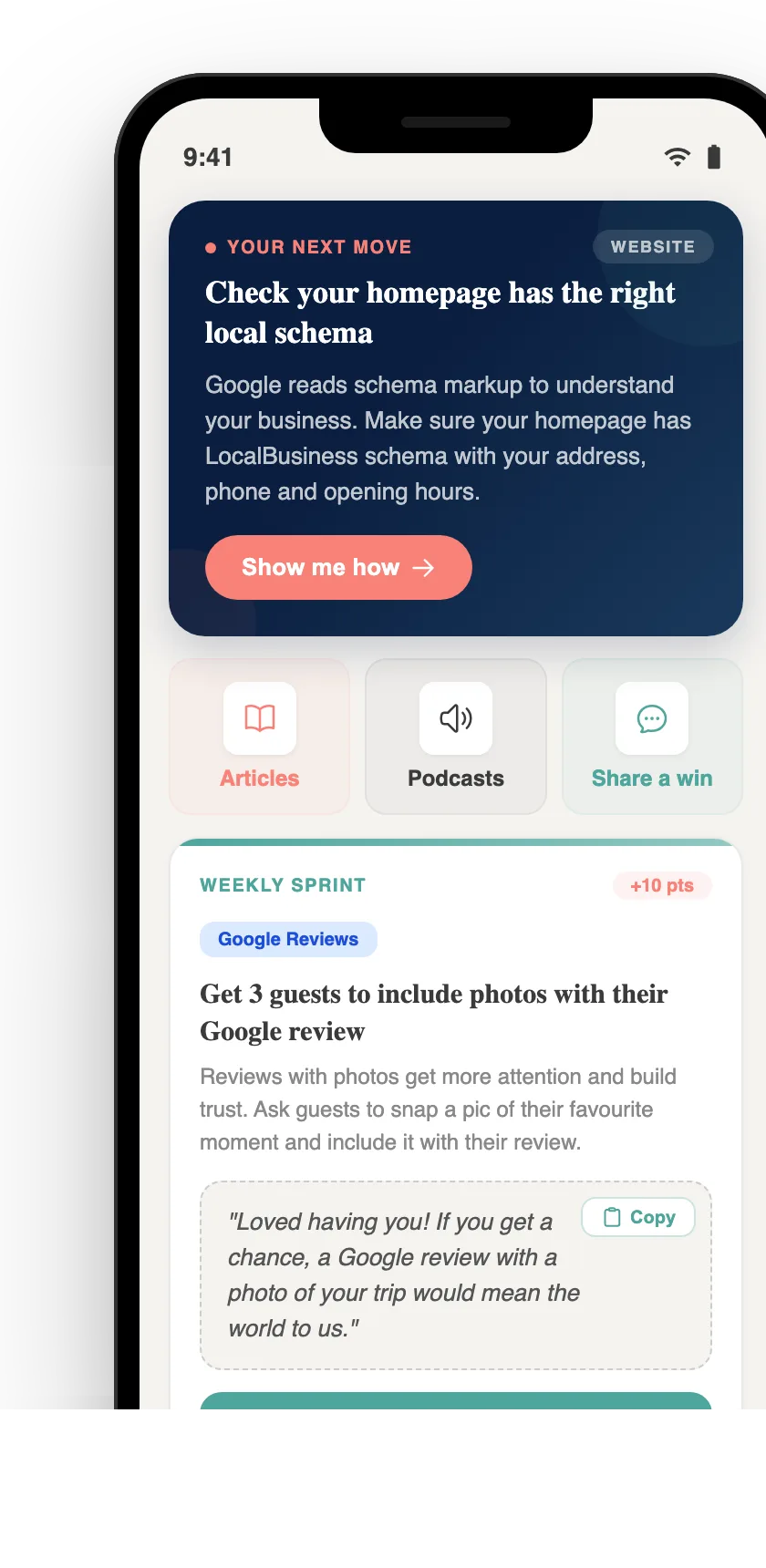
Your free AI marketing coach, right in your pocket
The free Pocket Rocket app gives you a personal AI marketing coach, website audit, weekly action plans and 5-minute tips. Built for tourism operators.