

Anyone working in a customer service role knows the pain of answering the same questions over and over. If your website doesn’t have a FAQ page, you are adding to your own frustrations, not to mention your guests. This article will guide you through what to include in an FAQ page for your website.
When a guest can’t find the answer to their question, they’re more likely to give up and move on than they are to write you an email or pick up the phone and ask. We are living in an age of instant gratification and information availability. This means that you need to be in tune with your guest’s needs so that you can anticipate their queries and answer them concisely.
If you don’t already have an FAQ page on your website, why not? Not only will having a well-constructed FAQ page will save you and your guests time, but it is also great for your SEO. The purpose of Google is to provide answers to questions and share information. By structuring your information on your website into Q&A format, you’re making Google’s job much easier.
Deciding what to include on your FAQ page
Start with the obvious
What are the questions that you are most frequently asked by your customers? These might be practical questions about shipping times, how to find your shopfront or office, what your opening hours are, if there have been any changes to the way you operate due to the pandemic.
If you have a live chat tool, read through some of the messages you’ve received and take note of commonly occurring questions, speak to your staff and draw up a list of what they’re hearing from guests as well.
Build your guest’s confidence
Perhaps your potential customers are hesitant to commit to a purchase and need to have some of their concerns alleviated. They may be curious about the ethics of your business, your manufacturing procedure, your commitment to quality, your qualifications to provide the service you do. Consider the reasons why someone might feel hesitant to book and use your FAQs to put their mind at ease.
Look at your competitors
Do some research on other businesses in the same market as you to find out what they have included in their FAQs. Perhaps you can even build on their version.
Other FAQ ideas
- Business policies including cancellations, bookings, shipping and returns, etc.
- What your business does to cater for people with accessibility needs (wheelchair ramps, accessible bathrooms etc)
- What areas your business services
- Any COVID-19 related policies
- Information to help your customers to make the right purchase
- Common misconceptions about your product or industry
- Definitions of industry-specific terminology that your guests might not know
What makes a great FAQ page
How you write your questions and answers
Write your questions and answers in a way that is easy to understand. Don’t use lots of jargon and try to stick to the kind of language that you would use in conversation with your guests. This doesn’t mean your answers have to be bland, however. Feel free to inject a little of your brand character into your responses where it’s appropriate to do so.
Your questions should be written from the perspective of your customer and the answers from the perspective of the business. Writing in first person is also more likely to align with what people are likely to type into Google.
Answer the question succinctly, try to keep it to a short paragraph. You can include links to other pages in your answers to offer additional information, however, make sure to answer the question as well rather than just moving someone around your website for the sake of it.
Ease of use
Don’t confuse your guests with a page name like “Helpful Information” or “Extra Info”. This page should be clearly identified as “FAQs” or “Frequently Asked Questions”.
Your FAQ page deserves its own piece of real estate on your website. Make sure that it is not tucked away underneath your contact information or your “About us” where your customers will need to go hunting for it. It should be easily findable in your main menu (even if it’s as a sub-menu item) and/or in your website footer as these are the two places people are going to look for it.
If you find you have a lot of questions to include on your FAQ page, consider breaking them up into themed sections. You might have a group of questions regarding shipping and returns, another one on your ethics, and another one on your cancellation policy.
Examples
Click on the images and links below to see some great FAQ pages examples of real businesses.
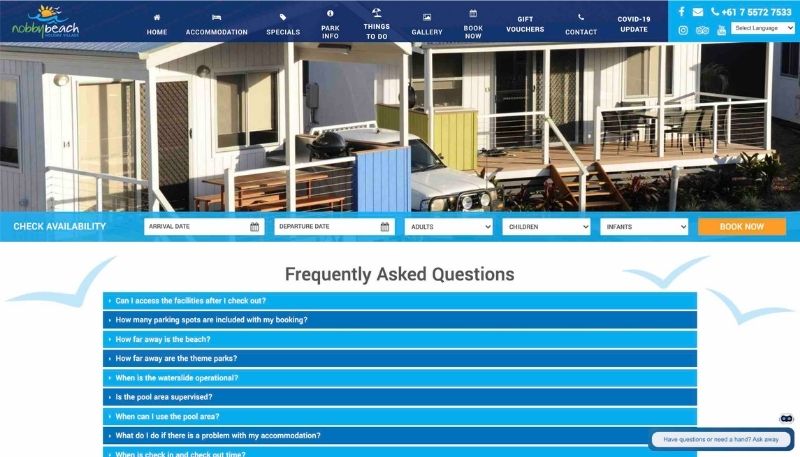
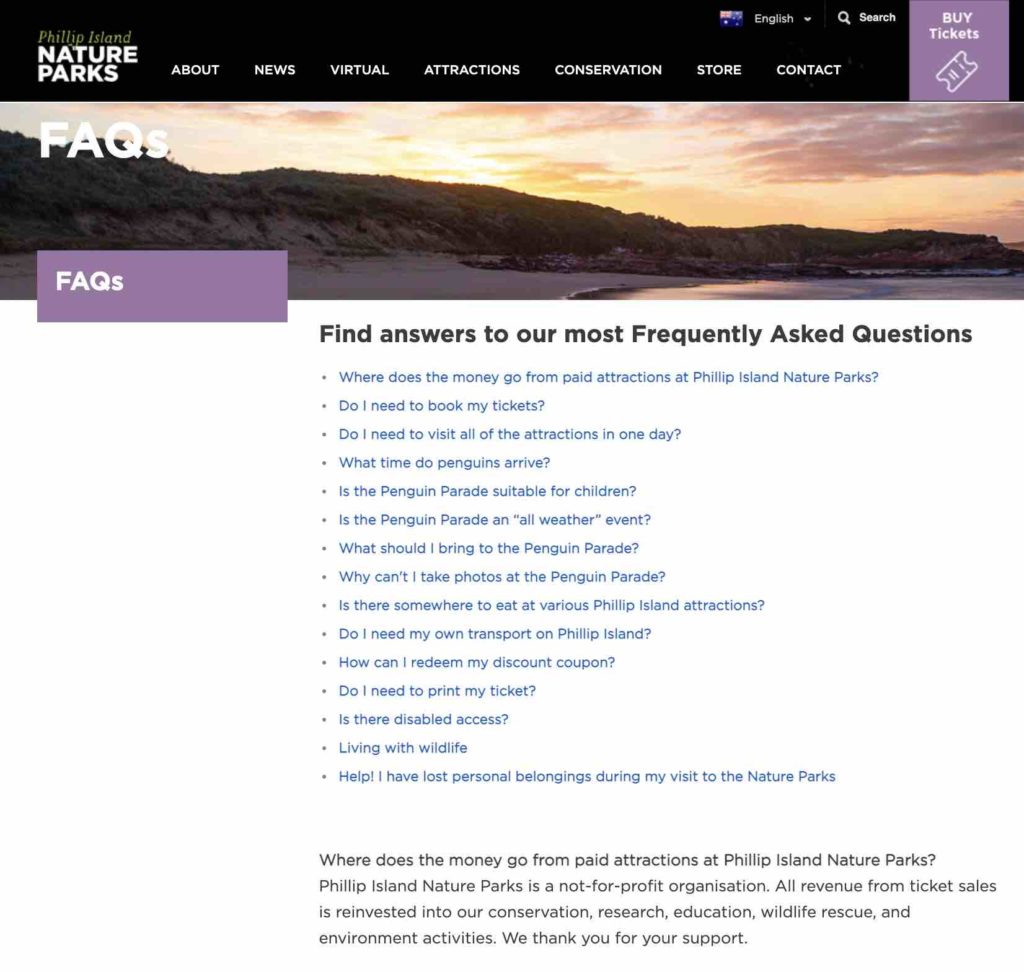
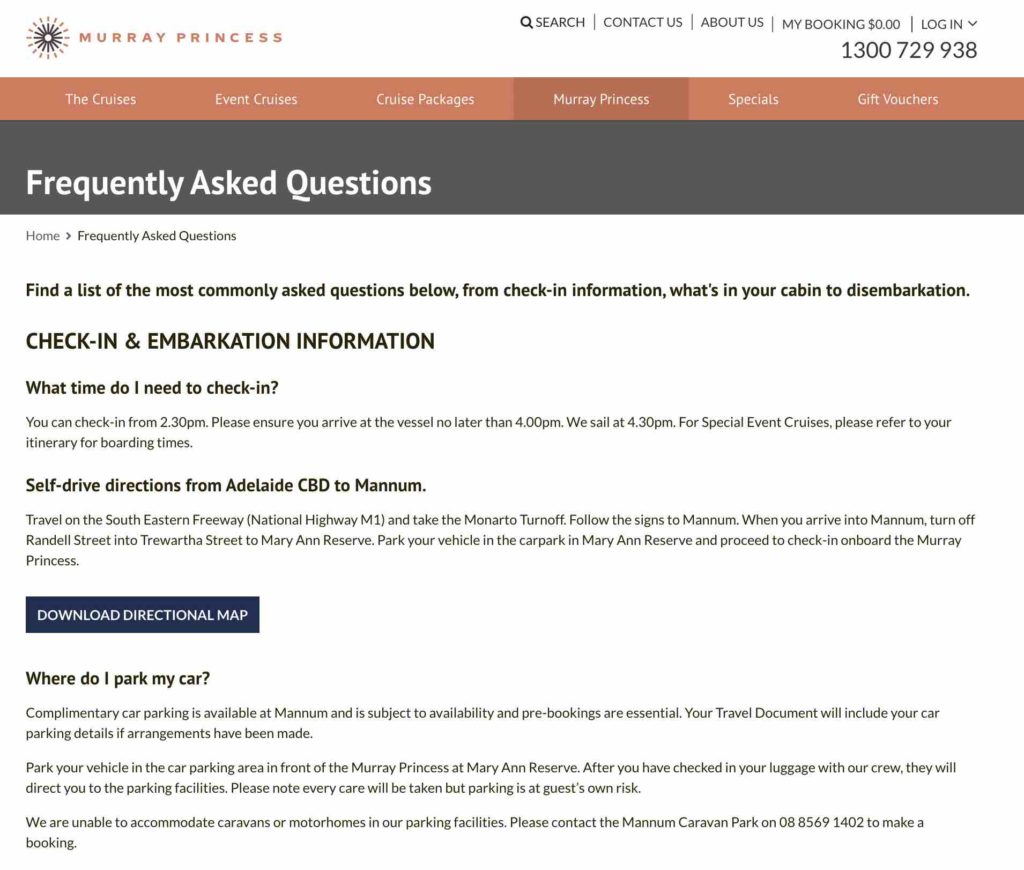
More examples:
- Philip Island Helicopters (tour)
- Kangaroo Island SeaLink Ferry (transport)
- Southern Ocean Lodge (accommodation)
Final thoughts
Your FAQ page should make life easier for both you AND your guests. It should make them feel more confident and comfortable in their choice to book with you or otherwise engage with your business. Once you have updated your FAQ page, you can include the most important or commonly asked questions in your Facebook and Google FAQs and even include them in your Facebook/Instagram automatic responses.
A similar version of this article first appeared on Navii.com.au on 26th August 2021.
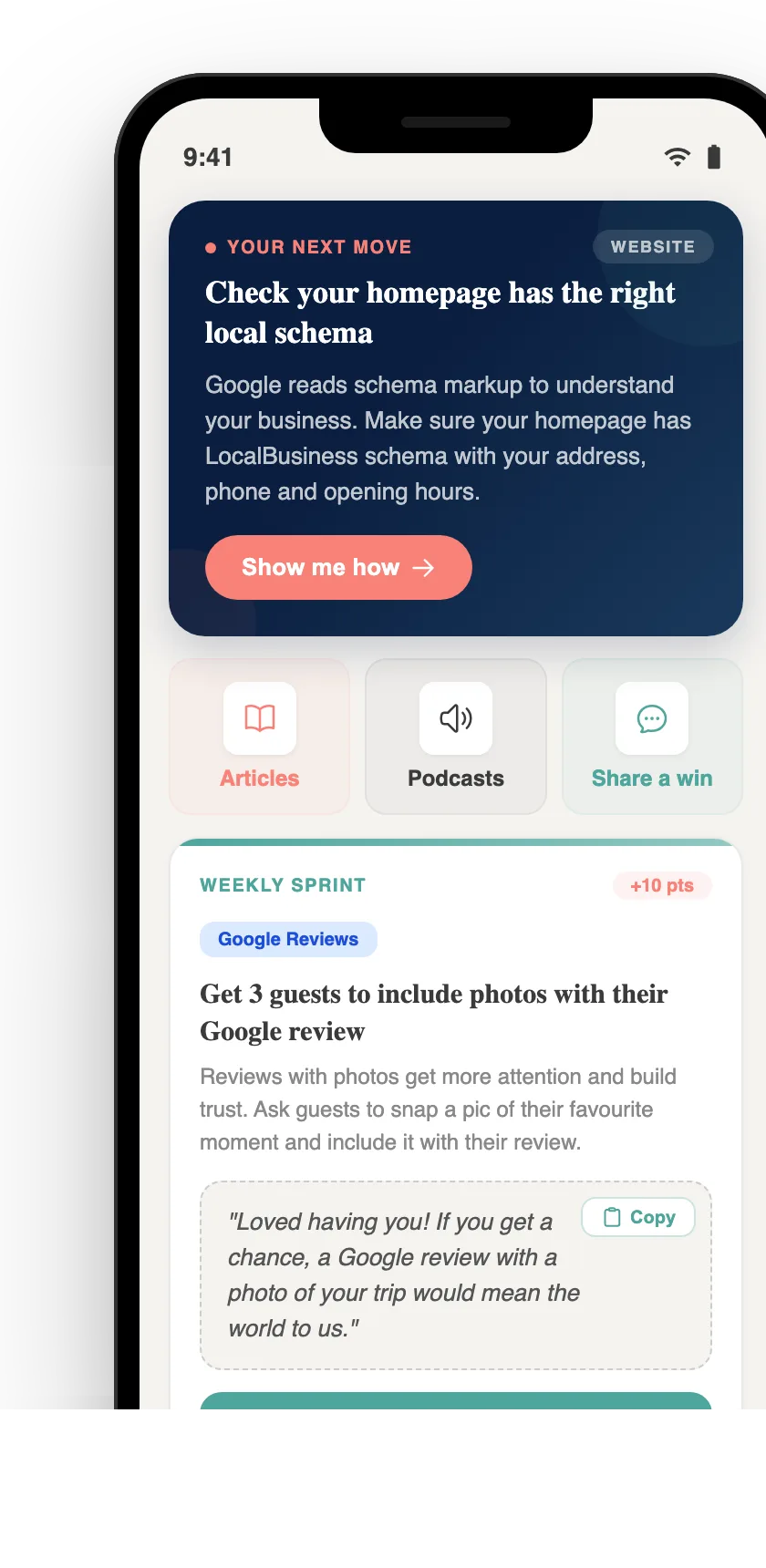
Your free AI marketing coach, right in your pocket
The free Pocket Rocket app gives you a personal AI marketing coach, website audit, weekly action plans and 5-minute tips. Built for tourism operators.