
How Google Gemini and NotebookLM Give Tourism Businesses Back Their Time
March 18, 2026
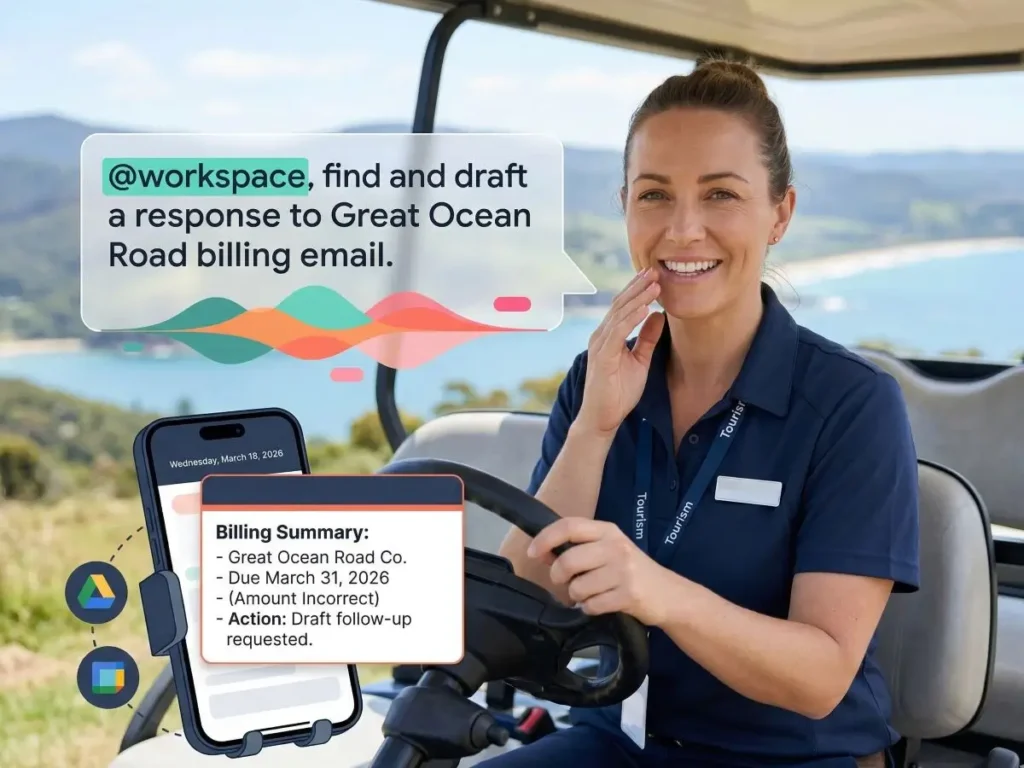
Most tourism operators using Google Workspace are paying for AI tools they have never opened. Gemini and NotebookLM are already in your account and they have some impressive capabilities that you will find impressive if you’ve never seen. In our recent Tourism Tech Session we covered what each tool does, how operators can connect them to their business data, and what you can test this week.
Quick links
- Watch the recording
- What are Tourism Tech Sessions?
- Google has three AI tools, not one
- What the @workspace command does in Gemini
- NotebookLM: AI that only uses your sources
- How the Studio turns your content into slides and videos
- Things to try today
Watch the recording
If you’re a Tourism Tribe member, login here to watch the recording of this session.
What are Tourism Tech Sessions?
Our Tourism Tech Sessions are twice monthly group coaching calls designed to support AI Enablement Plan members, whether you’re a direct member or a participant of one of our tourism digital capability programs. These sessions provide a space to:
- Learn the latest developments in tourism tech
- Ask questions in a safe, supportive environment
- Hear real-life examples and get practical demos
- Get the confidence to implement what you’ve learned
If you’re not a member, this article will walk you through the key takeaways. Join an AI Enablement Plan to access future Tourism Tech Sessions and have an expert at your fingertips to ask your business-specific questions.
Google has three AI tools, not one
Google currently has three separate AI tools and they do different things:
- Gemini: the one most people know. It is Google’s equivalent of ChatGPT, accessible at gemini.google.com from your Gmail account or any Google Workspace plan. It is available to both paid and free users.
- AI Overview: the summary that appears at the top of Google search results
- AI Mode: a more conversational search experience
AI Overview and AI Mode are search tools, not productivity tools. Gemini is the real gem. Gemini has two models to choose from.
- The fast model (Flash) handles quick tasks efficiently and uses fewer tokens, which matters if you are on a lower-tier Workspace plan with credit limits.
- The thinking model (Pro) takes longer but works through problems with more depth. For writing, reviewing content, or anything requiring careful reasoning, Pro is the better choice.
Token usage sits at the centre of AI costs on Google Workspace. Flash uses fewer tokens per request; Pro uses more. If your team is using Gemini heavily on a base plan, you will hit credit limits faster on Pro. Worth knowing before you roll it out to staff.
What the @workspace command does in Gemini
Gemini becomes genuinely powerful when you connect it to your Google Workspace data. Go to the Connected Apps setting in Gemini and enable Workspace integration. After that, type @workspace in Gemini before your request. Wait for it to appear in bold before hitting enter. Gemini will then be able to search across your emails, documents, and calendar to answer your question.
The practical use case: you are chasing a billing issue and cannot remember which supplier it involves or what was agreed. Ask Gemini @workspace to find the relevant emails, summarise the situation, and draft a professional follow-up. It pulls scattered information together and gives you a draft ready to send.
This only works if you are in the correct Google Workspace profile. Team members working from their personal Google accounts will not have access to shared documents. Getting everyone into the right profile is the first step and the step most businesses skip.
Gemini can also run on your phone. iPhone users can set it up through Shortcuts and run voice commands while driving – find a specific email or order detail without ever touching the screen.
NotebookLM: AI that only uses your sources
NotebookLM (at notebook.google.com) is different from every other AI tool in one important way: it only works from sources you provide. Upload documents, add website URLs, paste in Google Docs and the AI answers questions based solely on that content. It does NOT pull in outside information. It does not guess.
For a tourism operator, this is the difference between an AI that invents facts about your property and one that gives accurate answers based on your own operations manual, tour descriptions, or supplier contracts. The restriction is the feature.
A few things worth knowing about how it works:
- Notebooks are shareable, but only with people who have the same domain name as you. You cannot share across organisations.
- Google Docs added as sources do not automatically sync to update. If you update the original, delete and re-upload the source.
- Your chat history inside a notebook is private to you. The sources and any content you create are visible to everyone the notebook is shared with.
- Add your brand style guide as a source and NotebookLM will apply your brand guidelines to anything it generates.
- Add competitor websites as sources to run a comparison. NotebookLM identifies what they cover that you do not.
- Be aware that it does still hallucinate, but not nearly as often as other AI that grab information straight off the net.
For staff training, upload your operations manual to NotebookLM. Staff query the notebook instead of interrupting supervisors. Answers come directly from the manual, with citations pointing to the exact source.
How the NotebookLM Studio turns your content into slides and videos
Once you have sources in NotebookLM, the Studio has options for you to convert that content into finished formats. You are not getting a summary. You are getting a file you can use.
From a single set of sources, the Studio can generate:
- Presentation slide decks (downloadable as PDF or PowerPoint)
- Infographics
- Flashcards, useful for staff training on your products or policies
- Reports
- Videos with voiceover and images drawn from your sources
The videos are not broadcast quality, but they are fast to produce and work well for social media or internal team communication. The visual style (cartoon, realistic, illustrated) is set when you generate. The voiceover is American-accented by default and is editable. The images come from your uploaded sources, not from a stock library.
The Beautify function in Google Slides works alongside this. It uses Google’s AI to automatically enhance the design of existing slides, generating a more polished version in seconds. Some slide elements get converted into a single non-editable image in the process. Worth knowing before you use it on something you need to update later. Availability depends on your Workspace plan level.
During our Tourism Tech Session, one operator added their own website as a source in NotebookLM. They ran deep research, pulled content from the site, then used the Studio to generate a short slide deck pitching an upcoming tour toward a newsletter audience. They also generated a video overview in cartoon style from the same content. The whole process took under ten minutes. The slides were not fully on-brand because the brand style guide had not yet been added as a source. That is the next step: add your logo guidelines, colour specifications, and tone of voice document before generating. The output reflects what you put in.
Things to try today
These steps apply to Google Workspace users. If your business runs on Microsoft 365, Copilot Notebook is Microsoft’s equivalent of NotebookLM and works on similar principles.
- Set up separate Google accounts for your personal use and business, with each team member as a separate user. This is the foundation everything else depends on.
- Enable Connected Apps in Gemini by going to the bottom-left settings menu and switching on Workspace integration. This gives Gemini access to your emails, documents, and calendar.
- Try the @workspace command by asking Gemini a real question about your business. Start with something specific: a client project status, a figure from a spreadsheet, or a supplier email thread.
- Upload one document to NotebookLM (notebook.google.com) and ask it five questions about your business. Your operations manual, tour guide, or booking policy are good starting points.
- Add your brand style guide as a source so any content NotebookLM generates reflects your actual brand voice and visual guidelines.
- Test the Studio tab in NotebookLM by generating a slide deck or infographic from your existing content. It takes under a minute.
The AI tools in your Google Workspace are not separate subscriptions. They are already included. The step most operators are skipping is spending 30 minutes setting them up properly: connecting @workspace in Gemini, uploading your operations manual into NotebookLM, adding your brand style guide as a source. That setup is what separates an interesting demo from a tool that saves you hours every week.
Want a clear digital strategy for your tourism business?
Knowing the tools is one thing. Knowing where they fit your specific business is another. Tourism Tribe offers three ways to help you work that out:
- GEO Assessment: find out how visible your business is to AI tools right now
- Digital Direction Plan: a personalised roadmap for your digital and AI strategy
- AI Enablement Plans: ongoing access to Tourism Tech Sessions, tools, and hands-on support
Is Google Gemini free to use for tourism businesses?
Google Gemini is included with Google Workspace subscriptions. If your business already pays for Google Workspace (Business Starter, Standard, or Plus), Gemini is available at no additional cost. Personal Google accounts also include Gemini access, though with fewer Workspace integrations than paid business plans.
What is the difference between Gemini and NotebookLM?
Gemini is a general-purpose AI assistant that draws on its training data and, with the @workspace command, your connected Google account. NotebookLM only uses sources you upload. If accuracy and factual control matter, NotebookLM is the more reliable tool for working with your own business content because it will not generate information from outside your sources.
What is the @workspace command in Gemini?
The @workspace command tells Gemini to search across your connected Google Workspace, including emails, documents, and calendar data, when answering your question. To use it, type @workspace in the Gemini chat and wait for it to appear in bold before submitting. This only works if you have connected your Google Workspace account in the Gemini settings under Connected Apps.
Does @workspace in Gemini access my personal Google account?
No. The @workspace command only accesses the Google Workspace account it is connected to. That means your business account only. Personal Gmail or Drive accounts are kept separate. This is one reason setting up distinct business and personal Google accounts before enabling @workspace is the recommended approach.
Can NotebookLM replace a staff training manual?
NotebookLM works alongside an existing training manual, not as a substitute for one. Upload your operations manual or staff guide into a NotebookLM notebook. Staff ask questions and get answers pulled directly from that document, with citations showing exactly where the information came from. The source manual still needs to exist and stay current.
Can I add my own website to NotebookLM?
Yes. In NotebookLM, select Website as a source type and paste in your URL with the https:// prefix included. NotebookLM will pull and categorise the content from that page. You can also add competitor websites as sources to compare content and identify gaps in your own.
What formats does NotebookLM Studio output?
The Studio generates presentations, infographics, flashcards, reports, and videos. Presentations download as PDF or PowerPoint files. Videos include a voiceover and images sourced from your uploaded content. The visual style (cartoon, realistic, etc.) is set at generation time.
Is NotebookLM free to use?
NotebookLM is available in a limited free version at notebook.google.com. Paid Google Workspace accounts get higher usage limits and the ability to share notebooks with people on the same domain. The free version is worth testing before committing to a Workspace upgrade.
What is Copilot Notebook and how does it compare to NotebookLM?
Copilot Notebook is Microsoft's equivalent of NotebookLM, available through Microsoft 365. Like NotebookLM, it lets you upload documents and ask questions based only on those sources. If your business runs on Microsoft 365 rather than Google Workspace, Copilot Notebook is the tool to explore for source-restricted AI answers.
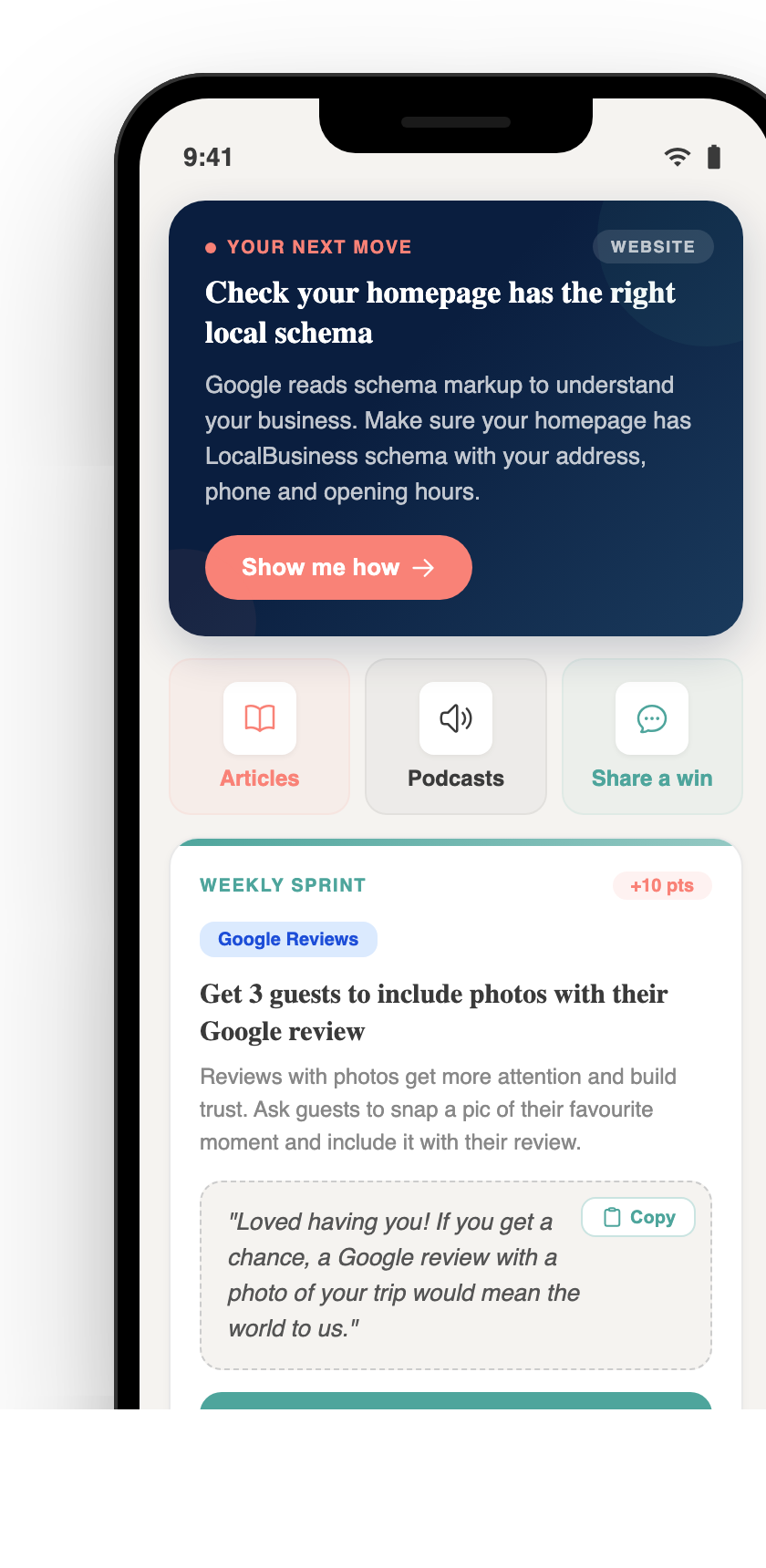
Pocket Rocket App — Free
Your free AI marketing coach, right in your pocket
The free Pocket Rocket app gives you a personal AI marketing coach, website audit, weekly action plans and 5-minute tips. Built for tourism operators.