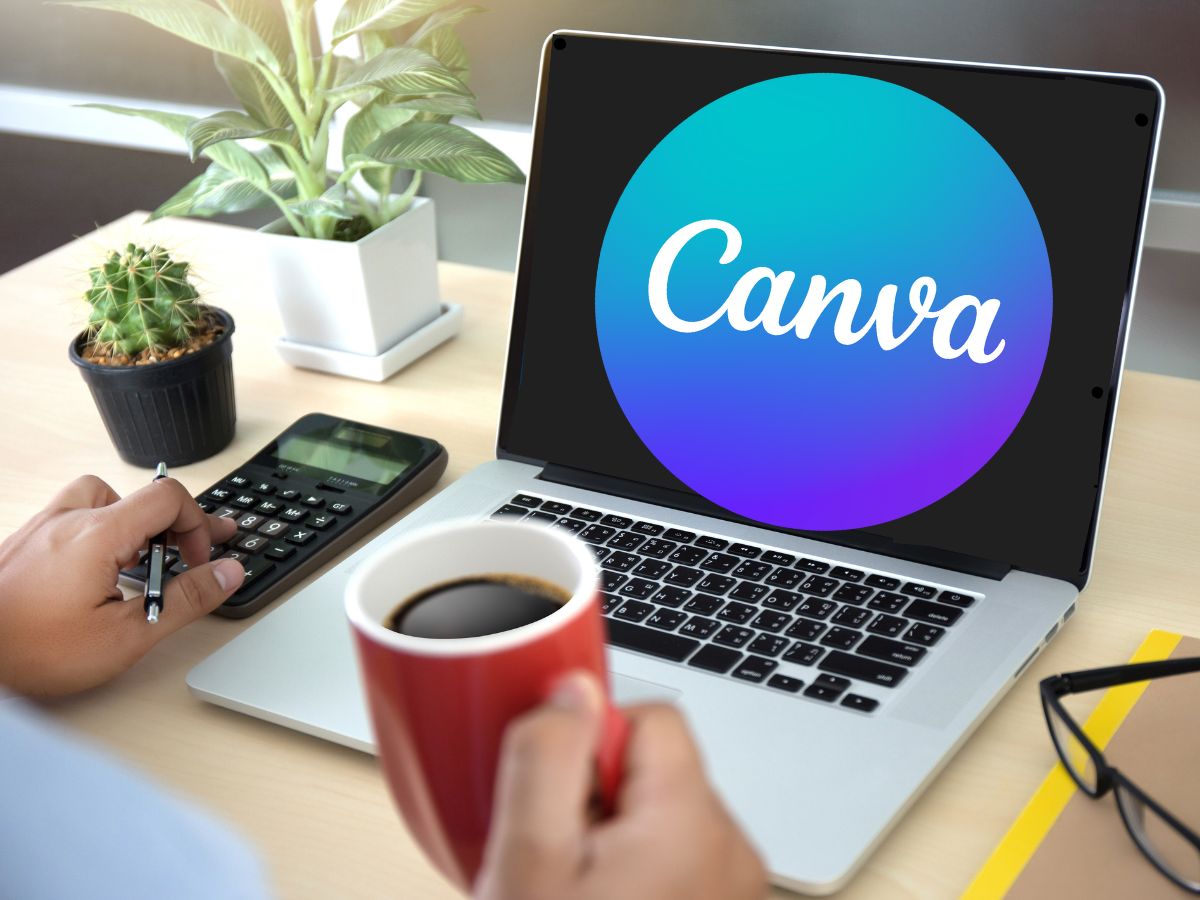
You don’t need a graphic designer on staff to produce professional marketing materials. Canva has become the go-to tool for tourism operators, and its AI-powered Magic features have made it even faster to create great-looking content.
This course starts with the fundamentals. How to set up your brand kit, navigate templates, and create graphics that look polished without spending hours tweaking. Whether it’s social posts, flyers, menus or email headers, you’ll learn how to produce them efficiently.
You’ll also explore Canva’s AI tools, including Magic Write, Magic Eraser and text-to-image generation. These features can save you serious time, but only if you know how to use them well. This course shows you how.
Course Content
Canva | fundamentals
You don't currently have access to this content
Canva | strategy
You don't currently have access to this content
Canva | tactics
You don't currently have access to this content