
Prepare for your coaching
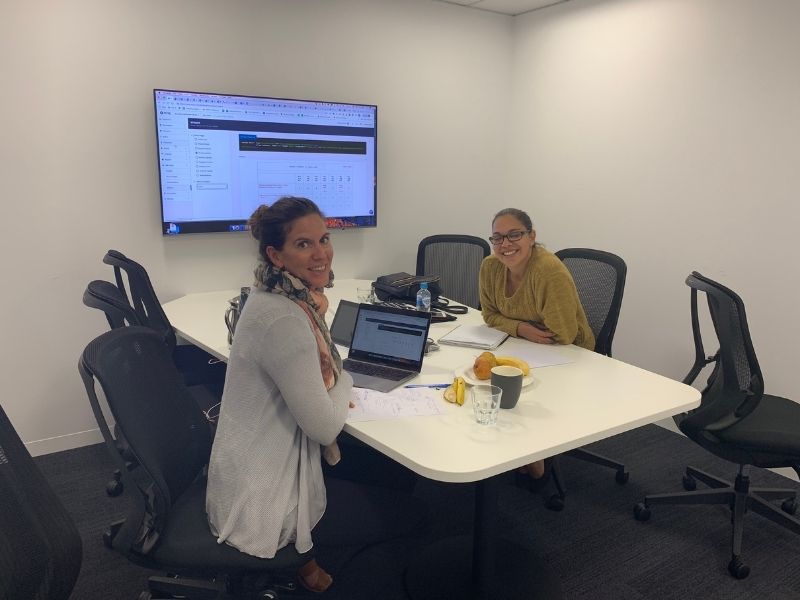
What can you expect
During your session, you will receive training from an experienced and skilled coach who will provide you with advice and guidance to help you develop your skills, performance and business/career.
Whilst our coach will provide support and insights in your session and may be able to fix a very specific niggling issue you have outlined, our coach will not be able to finish the work for you. You need to be prepared to do the work and/or seek support for implementation.
Our coaches will provide you with clear links to courses in the Tourism Tribe platform and/or other specific tools so that you can ensure you take action so you can jump straight into implementation. However, if you prefer someone else to implement the recommendations on your behalf, do let your coach know during the session. They will put you in touch with someone from our team who will provide you with a quote and/or supplier recommendations.
Preparing for your session
Coaching is a collaborative process and your coach looks forward to your active participation and sharing of thoughts and ideas to contribute to the session. However, a small investment of time and effort in preparation prior to the session will help you make the most of the time you have with your coach.
Ensure you have completed the below steps prior to the start of your session.
Pre-session checklist
- Be familiar with screen sharing on Google Meet or Zoom (refer to your calendar invitation for which system your coach will be using). Your coach may screenshare but it is highly likely they will ask you to screenshare as you will be logged into your own accounts.
- Be logged into your Tourism Tribe account. Your coach will refer you to specific courses for further reading.
- If you have recently had a Digital Engagement Health Check or ATDW Health Check done, have it open and/or printed. You will find your links to open them in the emails you received when the reports were completed.
- Please ensure that you are fully logged into the accounts associated with the tools you have outlined in your coaching objectives when you booked (if you have forgotten you will find these in your digital calendar/inbox with the meeting confirmation). This will allow for a more productive conversation with your coach.
Accounts by topic
- Local Search: Google Business Profile
- SEO: Your website, Google Analytics and Google Search Console
- Website: Your website (and ensure you have admin access)
- TripAdvisor: TripAdvisor
- Facebook: Facebook account
- Instagram: Instagram account (you may wish to also join from your phone to be able to broadcast your issues from your app)
- Google Workspace: Google Workspace login
At the end of the session
Your coach will wrap up 5 to 10 minutes before the end of a session to summarise, in writing, what was achieved and what their recommendations are moving forward.
This is also the time where you may wish to mention you would like further assistance such as implementation.
You will receive an email post-session with the next steps recommended by your coach, as well as a link to your feedback form.
Rescheduling or cancelling
If you need to cancel or reschedule please use the button in the confirmation email and/or the link in your calendar event. A coaching session may be rescheduled two times and after that it will be deemed forfeited.
If a session must be rescheduled, at least 24 hours notice needs to be given or else it will be deemed forfeited.
Get to know your coach
Excited to meet your coach for the first time? Find out more about them here.